
Remove Text from Image Online
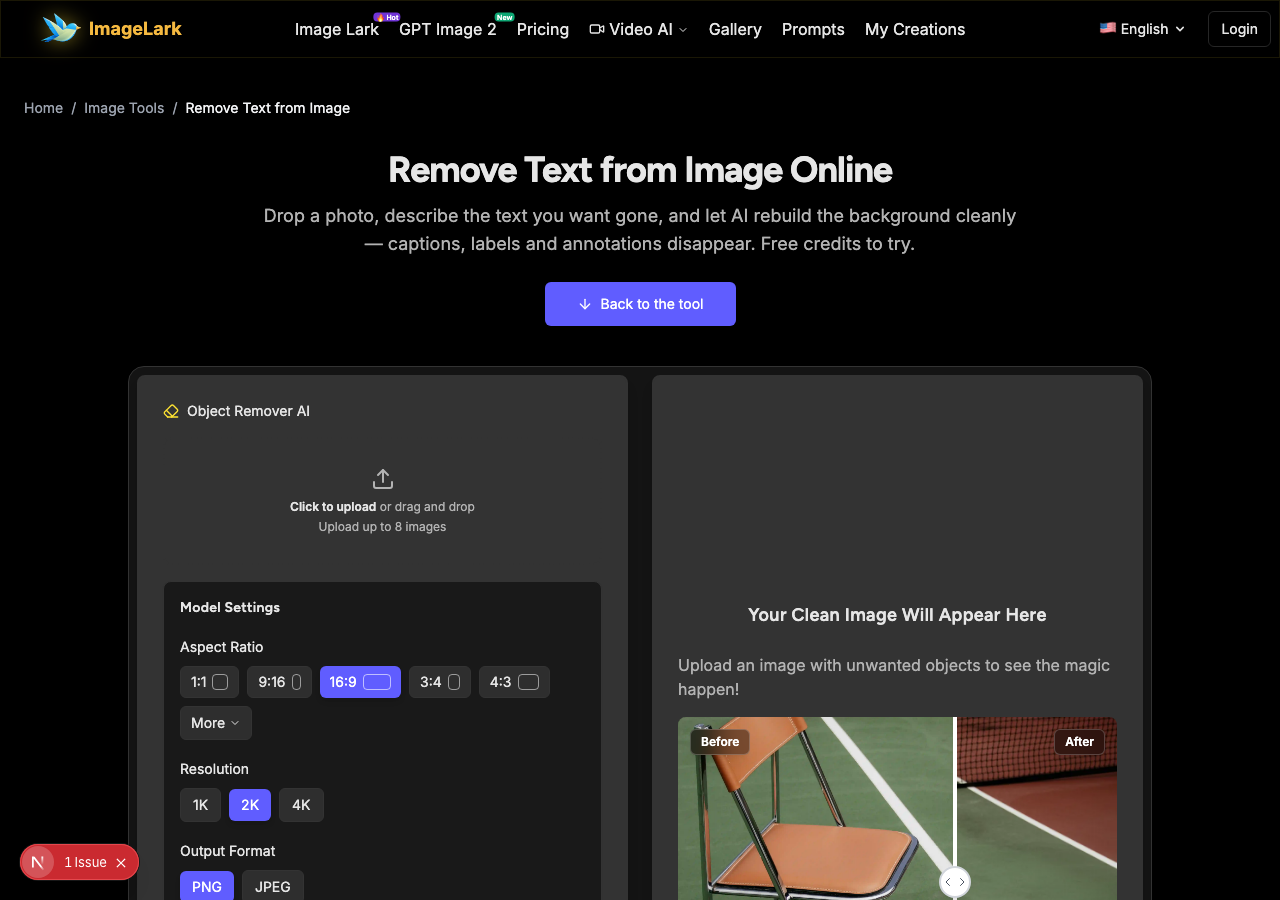
Drop a photo, describe the text you want gone, and let AI rebuild the background cleanly — captions, labels and annotations disappear. Free credits to try.
إعدادات النموذج
ستظهر صورتك النظيفة هنا
قم بتحميل صورة تحتوي على كائنات غير مرغوب فيها لرؤية السحر!


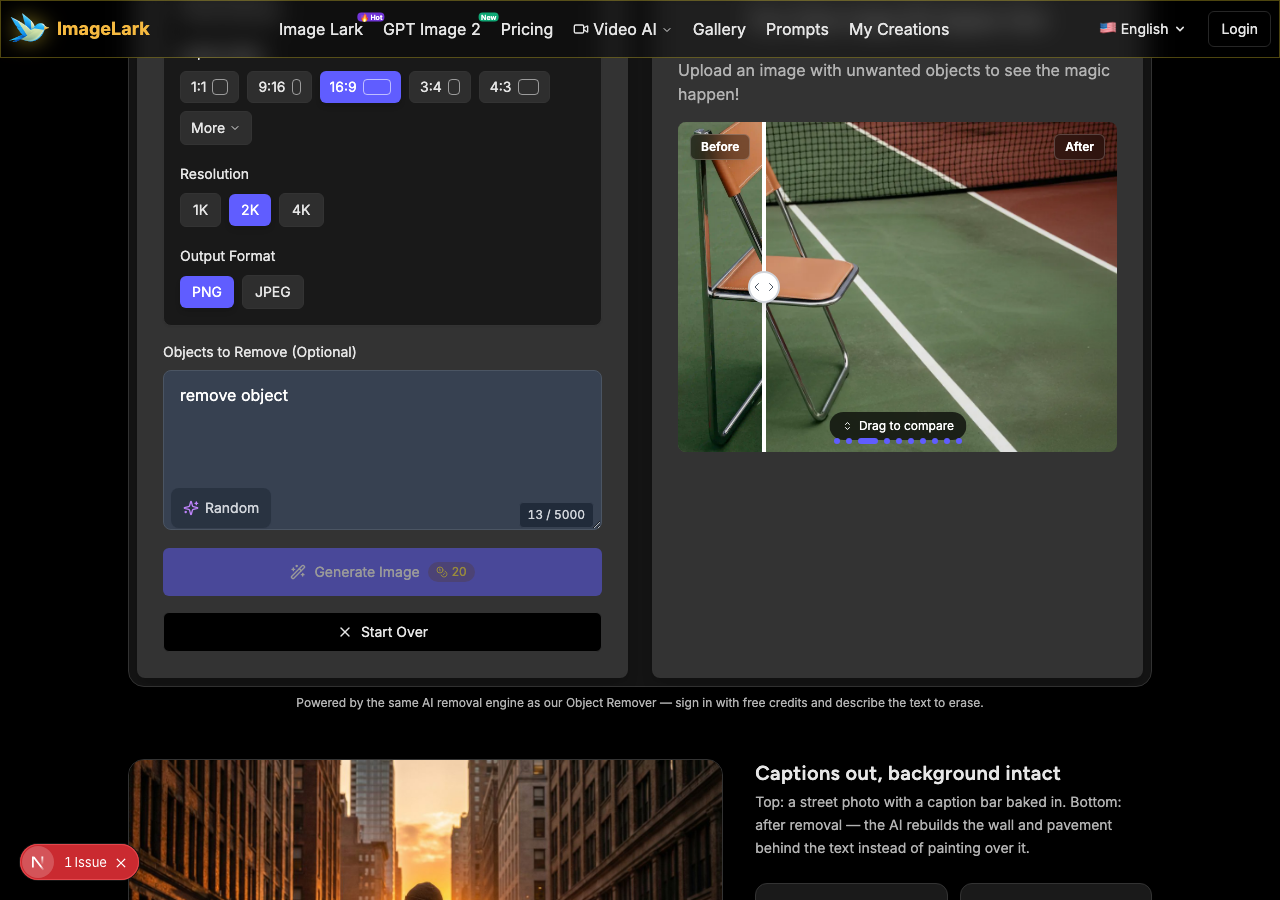
Powered by the same AI removal engine as our Object Remover — sign in with free credits and describe the text to erase.


Captions out, background intact
Top: a street photo with a caption bar baked in. Bottom: after removal — the AI rebuilds the wall and pavement behind the text instead of painting over it.
Free credits to start
Try real removals before paying.
AI background rebuild
Not a blur patch — content-aware fill.
No watermark
Clean downloads, HD output.
Private by design
Uploads auto-deleted on a schedule.
Free Online AI Text Remover
This AI text remover erases captions, labels, watermarked words and annotations from photos — and rebuilds what was behind them. Unlike clone-stamp style editing, you do not paint over the letters: upload the image, describe the text to remove, and the model reconstructs the wall, sky, pavement or fabric that the text was covering, complete with matching lighting and texture.
It is the fastest way to clean images for reuse: screenshots with baked-in captions, saved stories with usernames, product shots with old promo labels, presentation exports with slide text stamped across the image. Describe what to erase in plain language — “the white text at the bottom”, “the date stamp in the corner” — and get a clean plate back in seconds. Free credits let you try it on your own images before paying, and only use photos you own or have permission to edit.
How to Remove Text from an Image in 3 Steps
STEP 1
Upload your image
Drop a JPG, PNG or WebP file into the tool above, or click to browse. Sign in with your free credits — no software to install, works on desktop and mobile.
STEP 2
Describe the text to remove
Type where and what to erase — for example “remove the white caption text at the bottom”. The AI reads the request and plans the removal, including the background reconstruction behind the letters.

STEP 3
Get the clean image
In seconds the tool returns the image with the text gone and the background rebuilt. Compare before and after, then download the result in HD — no watermark on the output.
Why Use ImageLark to Remove Text from Images
Content-aware rebuild, not a patch
The AI reconstructs what was behind the text — brick behind a sign, sky behind a timestamp, fabric behind a label — so the result looks like the text was never there, not like it was smeared over.
Plain-language control
No masking tools or selection brush to learn. Describe the text you want gone the way you would describe it to a person, and the model finds and erases it.
Free credits, clean output
New accounts get free credits to test real removals, and every download is HD with no watermark. You only pay when the tool earns it.
Private by design
Uploaded images are processed for the removal and deleted on a fixed schedule — screenshots with personal chats or documents are not kept. And as ever: only remove text from images you own or are allowed to edit.
Remove Text vs Remove Object vs Remove Watermark
ImageLark has a family of removal tools, and they share one AI engine — the difference is what you point it at. Remove Text (this page) targets lettering: captions, subtitles, date stamps, labels and annotations. The AI object remover handles anything visual: people, wires, trash, furniture. The watermark removers specialize in semi-transparent marks and logo stamps.
Text is actually the easiest category for the AI to erase: letters are high-contrast, well-defined shapes, and the background behind them is usually simple — a wall, a sky, a road. Object removal is the heavier job, because the model must rebuild complex scenes. So if your “object” is really just some words, use this page: it is faster, cheaper in credits, and more reliable for the job.
Ethics and law, briefly: removing text from your own photos, screenshots and exports is everyday cleanup. Removing credit lines, attributions or watermarks from someone else's work to republish it as your own is not — it infringes the creator's rights in most jurisdictions. Use this tool on images you own or have permission to edit; for old stock previews and licensed material, get the clean original from the source instead.
The removal family: the AI object remover for anything visual, the AI watermark remover and Gemini watermark remover for stamped marks, plus remove people from photo for photobombers.
Use Cases: Who Removes Text from Images
Screenshot cleanup
Strip baked-in captions, usernames and reaction labels from screenshots before reusing them in decks, docs and blog posts — no cropped-out rectangles.
E-commerce & listings
Remove old promo stickers and price tags from product photos so marketplace listings look fresh — and keep text overlays from clashing with your own.
Creative re-editing
Clean meme text off a template, erase date stamps from family photos, or remove slide text from presentation exports so the visuals can be re-used.
Frequently Asked Questions
How do I remove text from a picture?
Upload the image above, describe the text to erase (“the caption at the bottom”, “the date stamp top-right”), and run the removal. The AI erases the lettering and rebuilds the background behind it, then you download the clean image. Free credits cover your first attempts.
Can AI remove text without leaving marks?
Yes, in most photos. Text usually sits on simple backgrounds — walls, skies, roads — and the model reconstructs those areas convincingly. Dense text over busy patterns (foliage, crowds) is the hardest case and can leave slight artifacts; running a second pass on stubborn spots usually cleans them.
Is it legal to remove text from an image?
Removing text from images you own or have permission to edit is normal cleanup. Removing watermarks, credit lines or attribution from someone else's work is copyright infringement in most jurisdictions — this tool is for your own material and licensed assets only.
Does it work on screenshots with captions?
Yes — caption bars, subtitle strips and username overlays on screenshots are the most common use. Describe the strip's position (“the black bar with text at the bottom”) and the AI fills the area with surrounding content instead of a black rectangle.
Will the background look natural after removal?
The model rebuilds the occluded area with matching color, lighting and texture, so most results look seamless. Check the before/after preview before downloading; if a complex area looks off, add more detail to the description and run it again.
How much does it cost to remove text?
New users get free credits that cover several removals. After that, removals cost a small credit amount per image — far cheaper than paying a designer for the same job. Sign in to see your balance and the exact per-run cost in the tool.
أدوات الصور بالذكاء الاصطناعي ذات الصلة
Ready to Remove Text from Your Image?
Drop it above, describe the text and let AI rebuild the background — free credits to try.