
Remove Background from Image Online
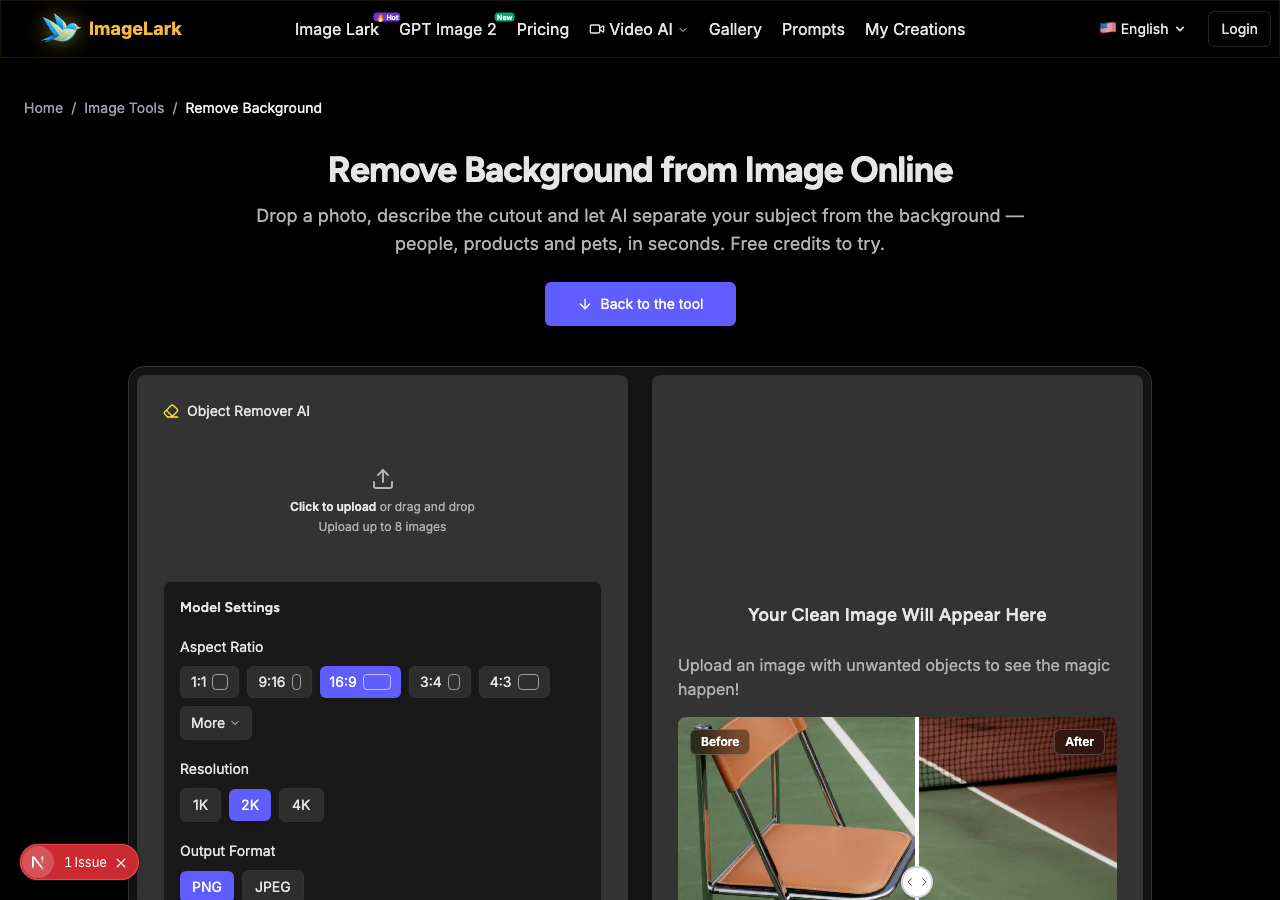
Drop a photo, describe the cutout and let AI separate your subject from the background — people, products and pets, in seconds. Free credits to try.
Configuración del Modelo
Tu Imagen Limpia Aparecerá Aquí
¡Sube una imagen con objetos no deseados para ver la magia!


Powered by the same AI editing engine as our Object Remover — sign in with free credits and describe the cutout you need. Pick PNG output for transparency.
Free credits to start
Try real cutouts before paying.
Transparent PNG
Pick PNG output for alpha support.
Edge-aware AI
Hair, fur and fine edges handled.
No watermark
Clean HD downloads.
Free Online AI Background Remover
AI background removal separates your subject from everything behind it: people, products, pets and objects come out as clean cutouts you can place on any backdrop — white studio for marketplaces, brand colors for campaigns, or transparent PNG for design layouts. On this page you direct the cutout in plain language and the AI rebuilds the edges around hair, fur and fine detail.
It is the fastest route from "busy photo" to "usable asset": marketplace listings that demand white backgrounds, profile photos that need clean separation, marketing composites that require a transparent subject layer. Upload, describe the cutout, download — free credits cover your first attempts and every download is HD without watermarks. Only use photos you own or have permission to edit.
How to Remove a Background in 3 Steps
STEP 1
Upload your photo
Drop a JPG, PNG or WebP file into the tool above, or click to browse. Sign in with free credits — nothing to install, desktop and mobile both work.

STEP 2
Describe the cutout
Write what to keep or remove — "cut out the person from the background", "isolate the product on white". Clear descriptions help the AI nail the edges.

STEP 3
Download the clean result
The AI returns the subject separated from its background in seconds. Compare with the original and download the HD result — PNG output preserves transparency where the model provides it.
Why Use ImageLark to Remove Backgrounds
Edge-aware AI separation
Hair strands, fur, glass and fine product edges are where cheap cutouts fail — the AI model rebuilds edges around your subject instead of leaving halos.
Plain-language control
No lassoing or manual masking: describe what to keep or remove and the model targets it. Re-run with adjusted wording until the cutout is right.
Free credits, HD downloads
Test the quality on your own photos with free credits first — downloads are watermark-free HD, priced per cutout only after that.
Private by design
Product shots and personal photos are processed for the edit and auto-deleted on a schedule — and only cut out images you own or have permission to edit.
Remove Background vs Blur vs Change Background
Three background tools, three outcomes. Background removal deletes the scene entirely and hands you the isolated subject — ready for any new backdrop or a transparent layer. Background blur keeps the original scene but softens it for portrait-style depth. Background replacement swaps the scene for a new one while keeping the subject's original setting logic.
Remove the background when the destination needs a clean asset: white-background marketplace requirements, design composites, transparent layers in video or print. Blur it when the setting adds context but competes for attention — portrait depth is the classic case. Replace it when the scene must change entirely — studio looks, seasonal campaigns, location swaps.Background blur
Workflow stacking is where the family shines: remove the background for a transparent cutout, then place it over a blurred version of the original scene for controlled depth — subject sharp, context soft. For pure product work, cutout plus white backdrop matches every marketplace requirement without a photo studio.
The background family: this page for clean cutouts, background blur for portrait-style depth on the original scene — and background replacement lands here soon.
Use Cases: Who Removes Backgrounds
Marketplace listings
Amazon, eBay and Etsy style guides call for clean white backgrounds — cut out products from any original shot and match the requirement without a studio.
Marketing composites
Transparent PNG subjects drop straight into campaigns, slides and social layouts — one cutout feeds a whole campaign's variations.
Portraits & profiles
Separate people from cluttered rooms for clean profile photos, team pages and speaker bios — edges around hair handled by the AI.
Frequently Asked Questions
How do I remove the background from a picture?
Upload the image above, describe the cutout — "remove the background, keep the person" — and run the removal. The AI separates your subject and rebuilds the edges, then you download the result. Free credits cover your first attempts.
Can I get a transparent PNG?
Yes — select PNG as the output format and describe that you want the background fully removed. Where the model provides alpha, you get a transparent cutout ready for design layouts; otherwise place the subject on white yourself from the clean edge result.
How accurate is AI background removal?
Modern models handle people, products and pets with strong edge accuracy, including hair and fur. Busy scenes with colors similar to the subject are the hardest case — re-running with a more specific description usually tightens the result.
Is my photo uploaded when removing the background?
Yes — AI removal runs on a server-side model, so the image is processed there. Uploads are auto-deleted on a fixed schedule. If your photo is confidential and a rough cut suffices, local crop and pixelate tools never upload anything.
Can I remove the background from a product photo for a marketplace?
Yes — that is the most common use. Describe the product and cut out everything else, pick PNG for transparency or composite onto white, and the result matches standard white-background listing requirements.
Is the background remover free to use?
New accounts get free credits covering several cutouts; after that, removals cost a small credit amount per image. Every download is HD and watermark-free — sign in to see your balance.
Herramientas de imágenes IA relacionadas
Ready to Remove the Background?
Drop a photo, describe the cutout and download the isolated subject in seconds — free credits to try.