
Vectorize Image Online
Drop a photo or illustration and flatten it into clean vector-style art — adjustable color levels, instant preview, lossless PNG download. Runs in your browser, free.
Drag & drop an image here
or click to browse — photos, logos and flat illustrations work best
Files are processed entirely on your device — nothing is uploaded to any server.

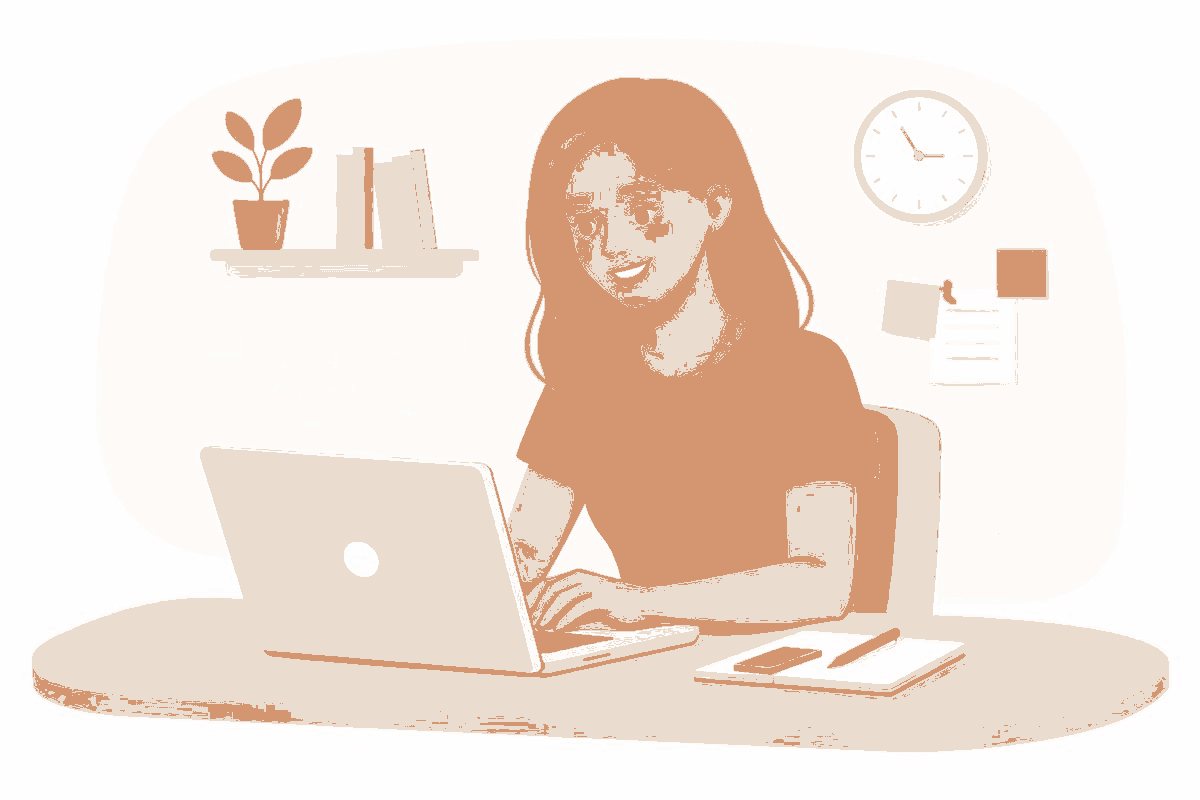
Flat illustration in, vector-style art out
Top: the original flat illustration. Bottom: vectorized at 8 color levels — gradients collapse into clean color blocks with crisp boundaries, exactly the look logos and icons use.
Free & unlimited
Vectorize as many images as you like.
100% private
Processed on your device — never uploaded.
Adjustable levels
Control the flattening yourself.
Lossless PNG output
Crisp, watermark-free download.
Free Online Vectorize Tool
This free vectorize tool flattens photos and illustrations into clean vector-style art: gradients collapse into distinct color blocks, edges crisp up, and the whole image takes on the flat, graphic look of logos, icons and illustration sets. A color-levels slider controls how far the flattening goes — from subtle simplification to bold poster art — with a lossless PNG download at the end.
Flat illustrations, logos, icons and geometric designs vectorize best: their limited palettes map cleanly onto color blocks. Photographs take on a striking poster look. The tool is the quick route to graphic-style assets for slides, social posts and merch mockups — and because everything runs locally in your browser, client work and personal photos never leave your device.
How to Vectorize an Image in 3 Steps
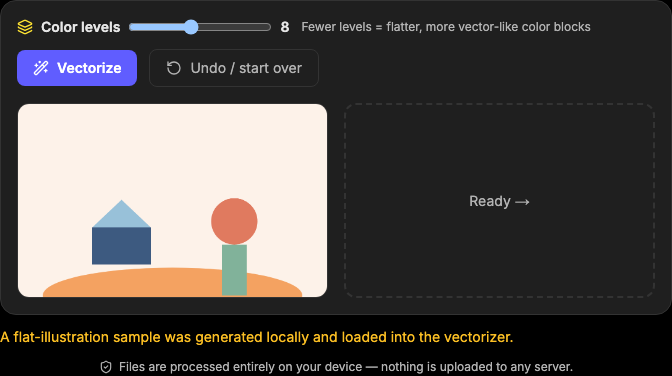
STEP 1
Add your image
Drag and drop a JPG, PNG or WebP file onto the tool above, or click to browse. Flat illustrations, logos and icons give the cleanest results; you can also try the sample.
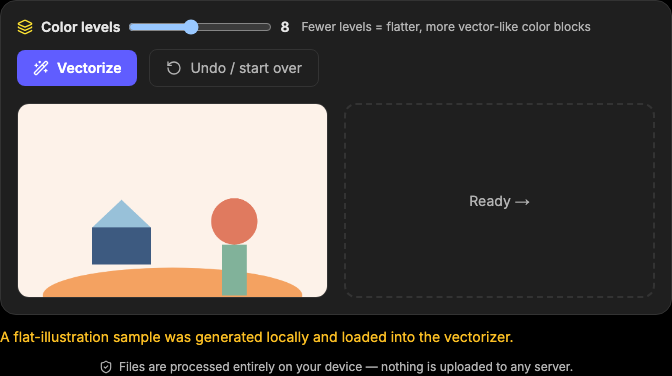
STEP 2
Dial in the color levels
Slide the color levels down to flatten gradients into bold blocks, or keep more levels for subtle simplification. The preview updates as you tune — find the balance that fits your design.
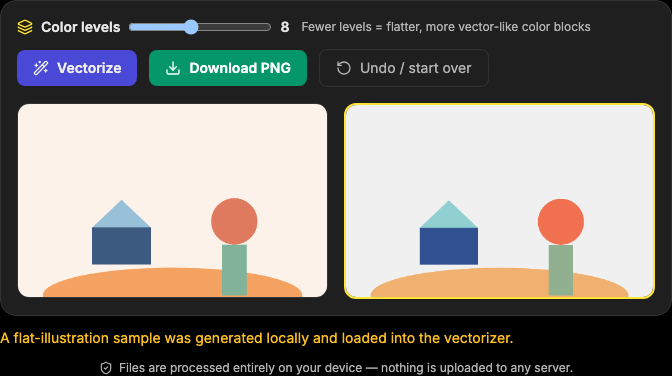
STEP 3
Download the result
Happy with the vector-style art? Download it as a crisp, watermark-free PNG — ready for slides, social posts and print mockups.
Why Use ImageLark to Vectorize Images
Free with no limits
Vectorize one logo or a hundred illustration frames — no credits, no account, no watermark. A browser tool, not a trial.
Instant local processing
The flattening runs in your browser tab with zero upload — client work, product photos and personal images stay on your machine, and every slider change is immediate.
One slider, full control
Color levels are the whole art: 16 for subtle cleanup, 8 for clean illustration blocks, 4 for bold poster flattening. Tune until it matches your design language.
Lossless PNG download
The vector-style output downloads as a crisp PNG with no watermark — drop it into decks, posts and mockups straight away.
Vector-Style Flattening vs True SVG Vectorization
An honest distinction: this tool produces vector-STYLE raster art — a flattened PNG that looks like clean vector illustration. True vectorization converts shapes into SVG paths that scale infinitely without any pixel grid. The flattened look is the same at a glance; the file format and scalability are not.
For slides, social posts, thumbnails and print mockups, the flattened PNG is exactly what most design work needs — and it downloads instantly with no tracing artifacts. For assets that must scale to any size with razor-sharp edges (large-format print, cut vinyl, embroidery machines), trace the flattened result with a dedicated SVG tool, or hand-redraw the shapes in your editor.
Content choice matters: flat illustrations, logos and geometric graphics vectorize cleanly because their palettes are already limited. Busy photographs become poster art rather than clean vectors — a look in its own right. If the goal is enlarging a photo without flattening it, the AI upscaler adds real resolution instead.
Same family: the pixel art maker for retro-block looks, the crop tool for framing, and the reduced palette after vectorizing keeps files lighter.
Use Cases: Who Vectorizes Images
Slides & social graphics
Turn photos and sketches into flat graphic blocks that match your deck or feed's illustration style — consistent visuals without an illustration budget.
Logo & icon cleanup
Simplify drafts and AI-generated logo concepts into flat color-block versions ready for refinement in a vector editor.
Merch & print mockups
Posterize photos and art into bold flat-color pieces for T-shirts, stickers and posters — then trace for production if needed.
Frequently Asked Questions
How do I vectorize an image online?
Drop your image on this page, adjust the color-level slider until the flattening looks right, and download the vector-style PNG. It runs in your browser with nothing to install and nothing uploaded.
Does this tool output a real SVG file?
No — the output is a flattened raster PNG that looks like clean vector art. For true SVG paths that scale infinitely, trace the flattened result in a vector editor, or hand-redraw the shapes. The flattened look is the same; the file format is the difference.
Which images vectorize best?
Flat illustrations, logos, icons and geometric graphics — their limited palettes map cleanly onto color blocks. Busy photographs turn into bold poster art instead; that look is a feature when you want it.
How many color levels should I use?
16 levels gently simplifies while keeping most detail, 8 produces clean illustration blocks, and 4 or fewer gives bold poster flattening. Slide and preview — the right number depends on your design.
Does vectorizing reduce image quality?
The flattening is intentional stylization, not damage — and the PNG download is lossless. Your original file is never modified; you always keep both versions.
Is the vectorize tool free to use?
Completely free with no signup, no watermark and no daily limit. Processing runs locally in your browser — images are never uploaded, and the tool works offline once loaded.
관련 AI 이미지 도구
Ready to Vectorize Your Image?
Drop it above, dial the color levels and download clean vector-style art in seconds — free, private, watermark-free.