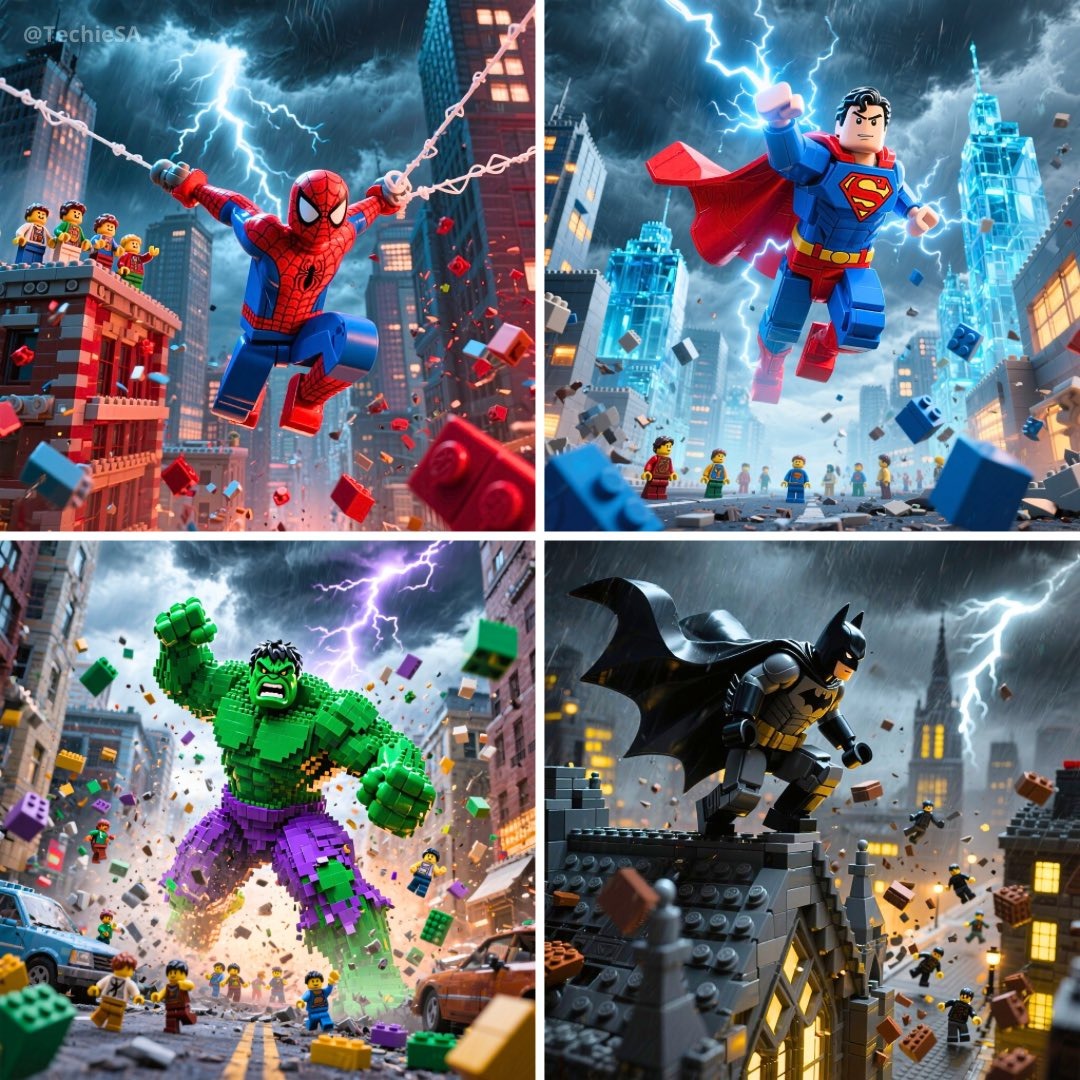
Image Lark Image Editor – Edit Photos with AI
Upload any photo, describe what you want to change, and let our Image Lark image editor transform it instantly. No Photoshop skills required.
What Is the Image Lark Image Editor?
The Image Lark image editor is an AI-powered photo editing tool that lets you modify images using natural language. Instead of learning complex software, simply upload a photo and describe your desired changes — remove objects, replace backgrounds, adjust lighting, or apply creative styles. Our Image Lark image editor understands context and delivers professional-quality results in seconds, making advanced photo editing accessible to creators, marketers, and everyday users alike.
How the Image Lark Image Editor Works
From upload to polished edit in 3 simple steps
Upload Your Photo
Drop any JPG, PNG, or WebP image into the Image Lark image editor. Works with portraits, product shots, landscapes, and digital art.
Describe Your Edit
Tell the Image Lark image editor what to change in plain English — remove a person, swap the background, add warm lighting, or apply an artistic style.
Generate & Download
Preview your AI-edited image and download in high resolution. Refine your prompt and regenerate until you get the perfect result.
Why Choose Our Image Lark Image Editor
Professional AI photo editing without the learning curve
Natural Language Editing
Describe edits in plain English and the Image Lark image editor handles the rest. No layers, masks, or complex tools needed.
Context-Aware AI
Our Image Lark image editor understands scene context — it preserves faces, lighting, and composition while making precise changes.
Professional Quality
Get studio-grade results from the Image Lark image editor — clean object removal, seamless background swaps, and natural retouching.
Fast & Easy
Most edits complete in 10–15 seconds. The Image Lark image editor delivers results faster than traditional photo editing software.
Image Lark Image Editor Showcase
See what you can create with AI-powered photo editing

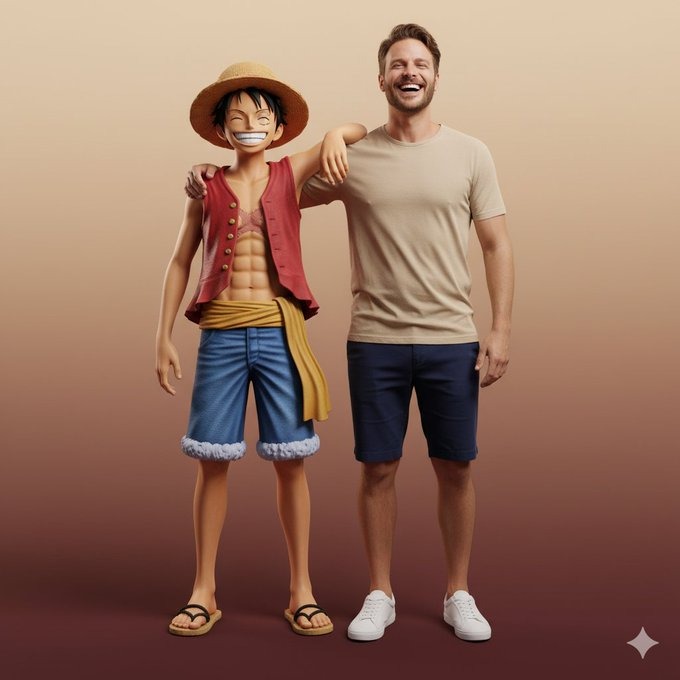
Background Replacement
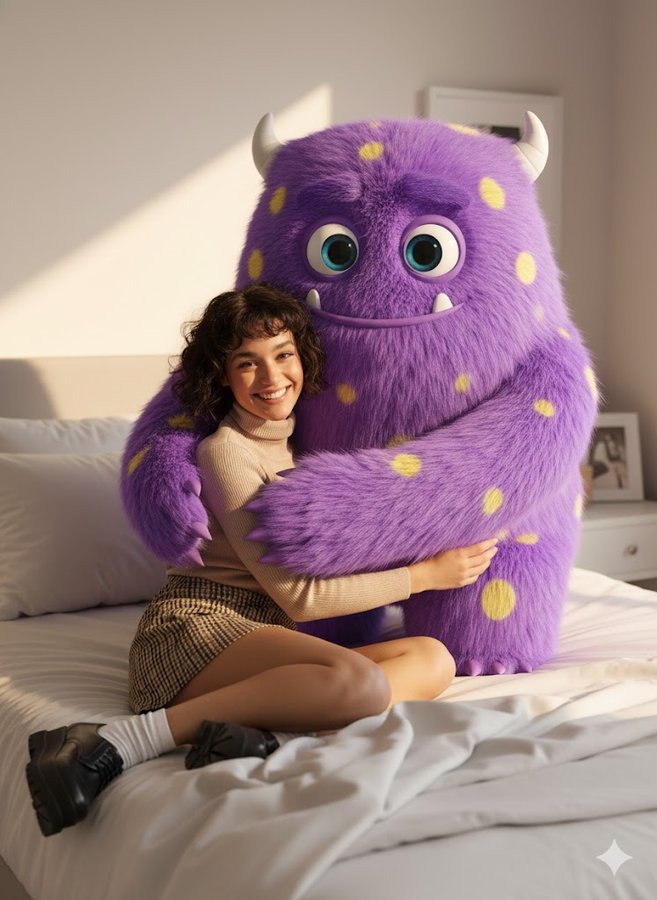
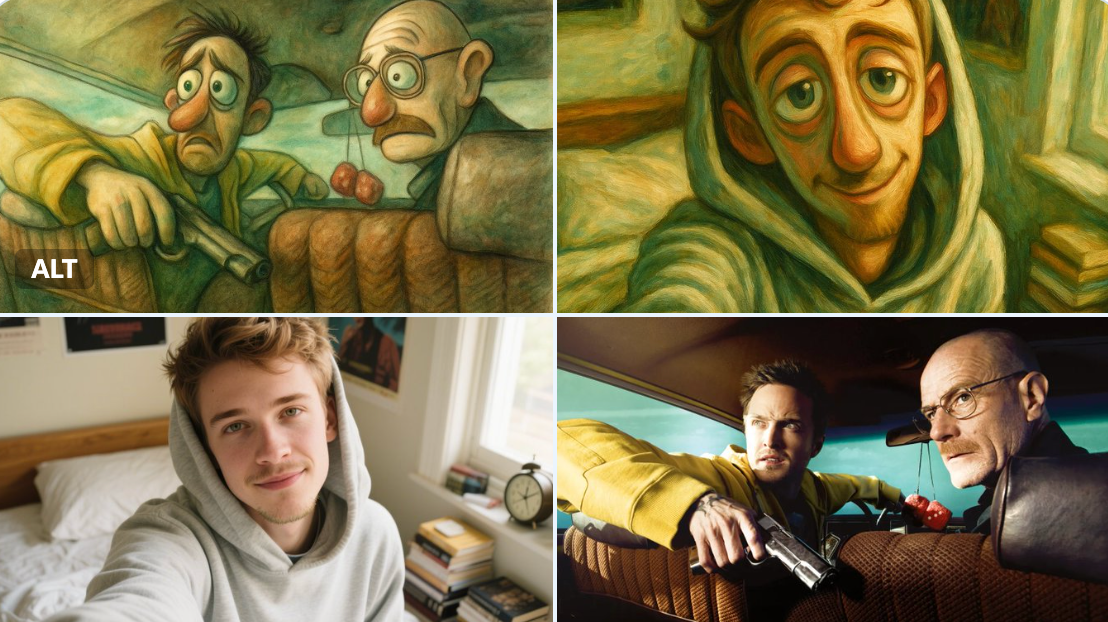
Use the Image Lark image editor to swap any background — from studio white to exotic landscapes. Perfect for product photography, headshots, and creative projects.

Object Removal
Remove unwanted objects, photobombers, or clutter with the Image Lark image editor. Clean up compositions with AI precision — no manual clone stamping required.

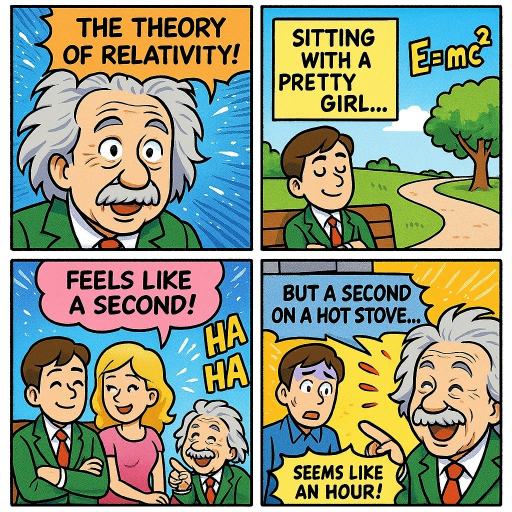
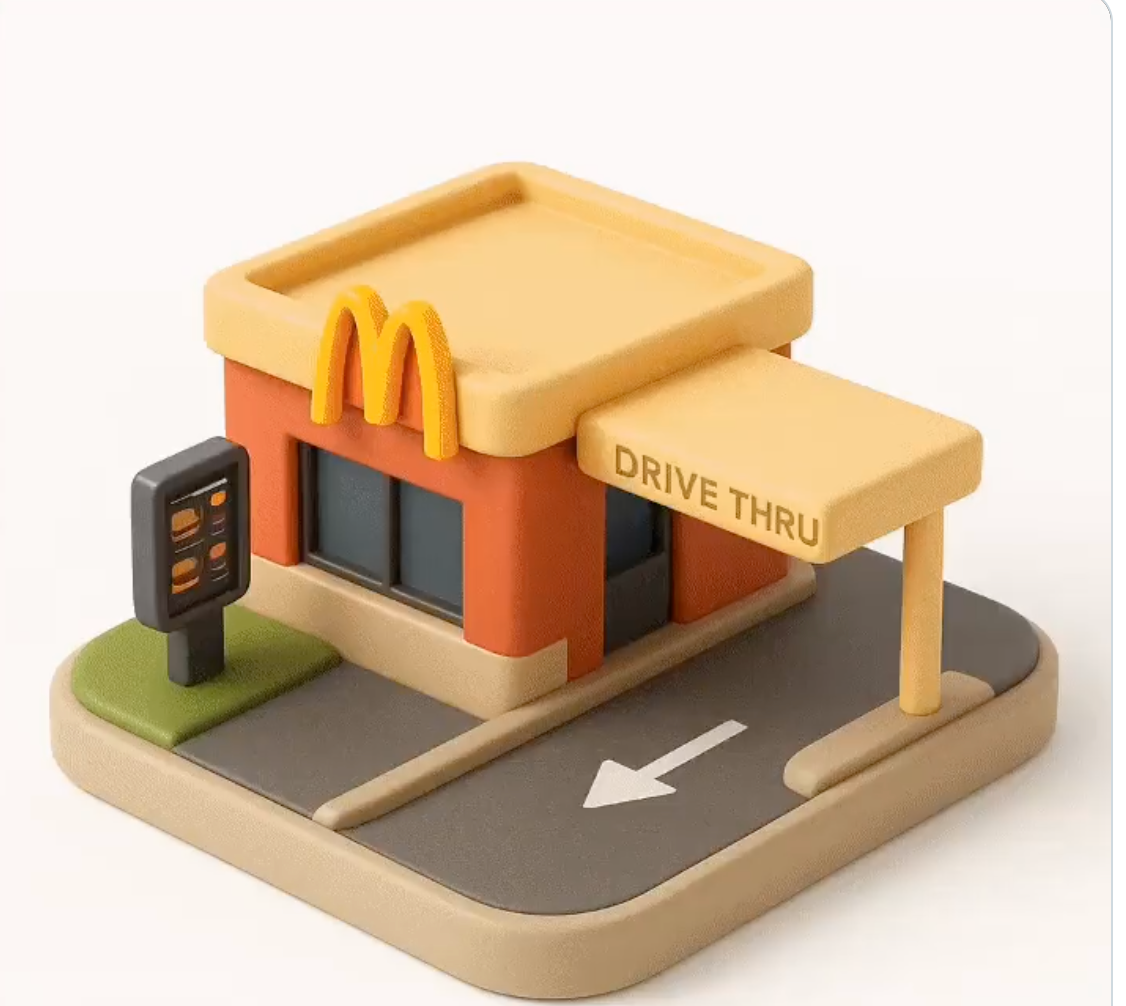
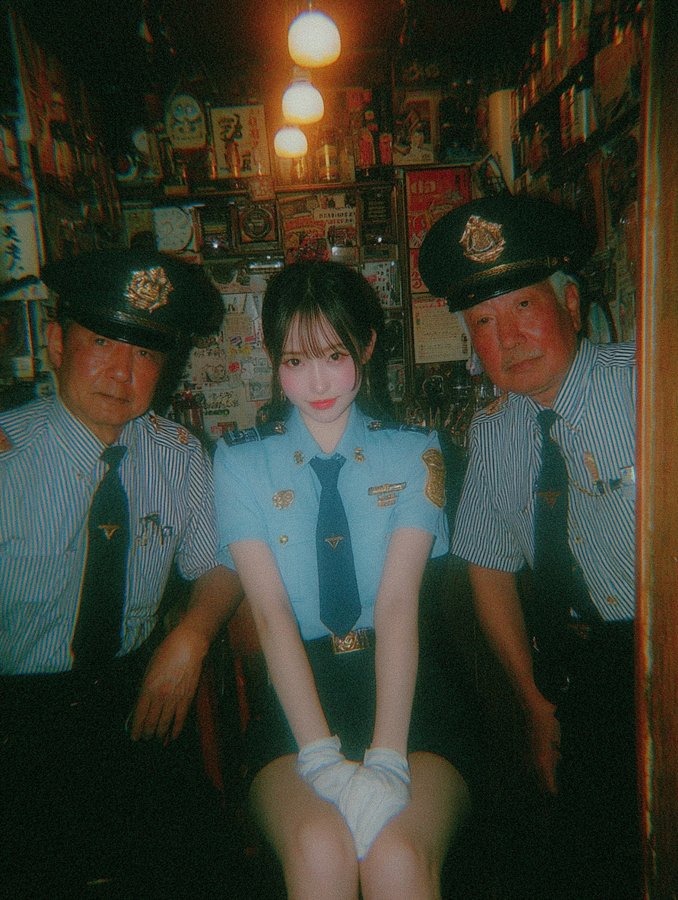
Style & Mood Transfer
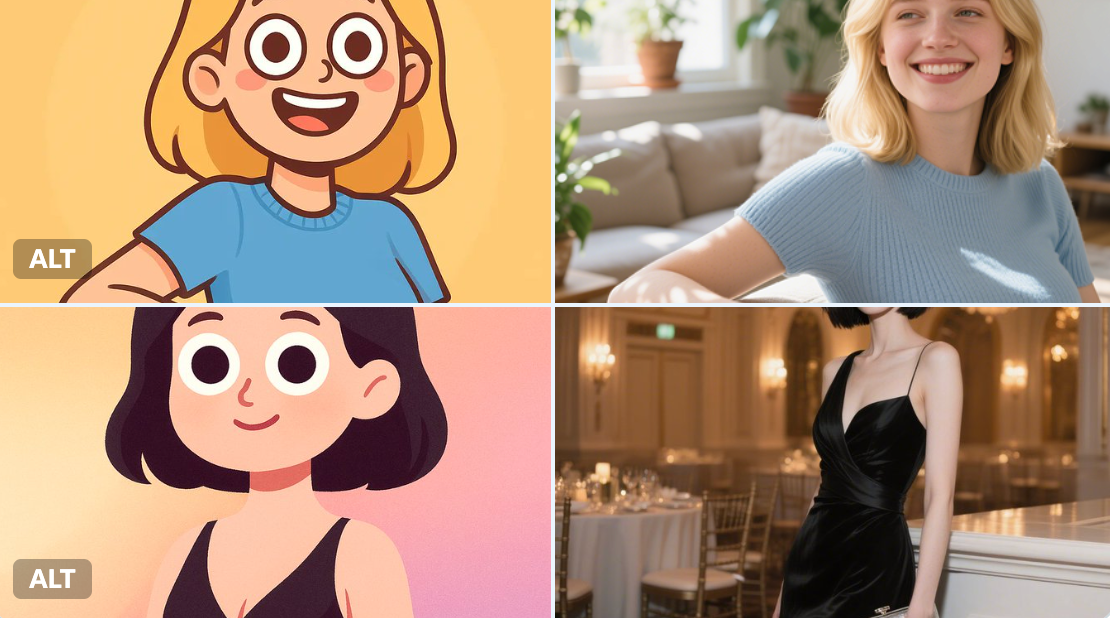
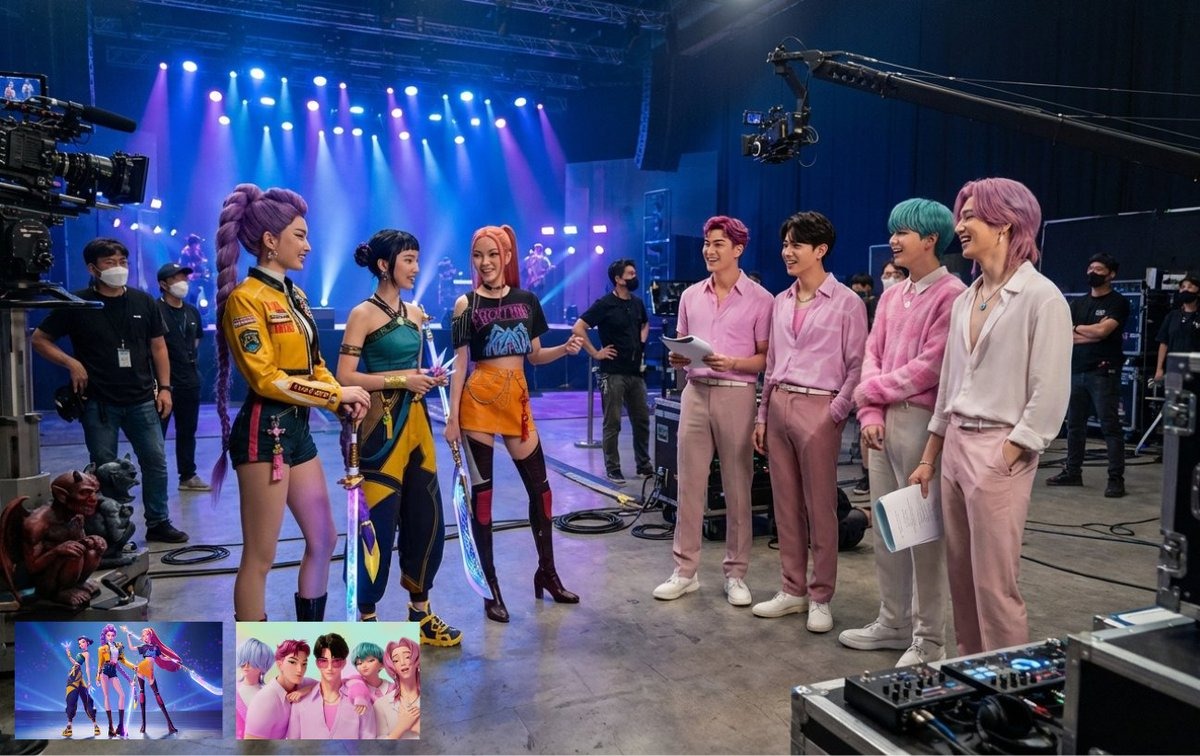
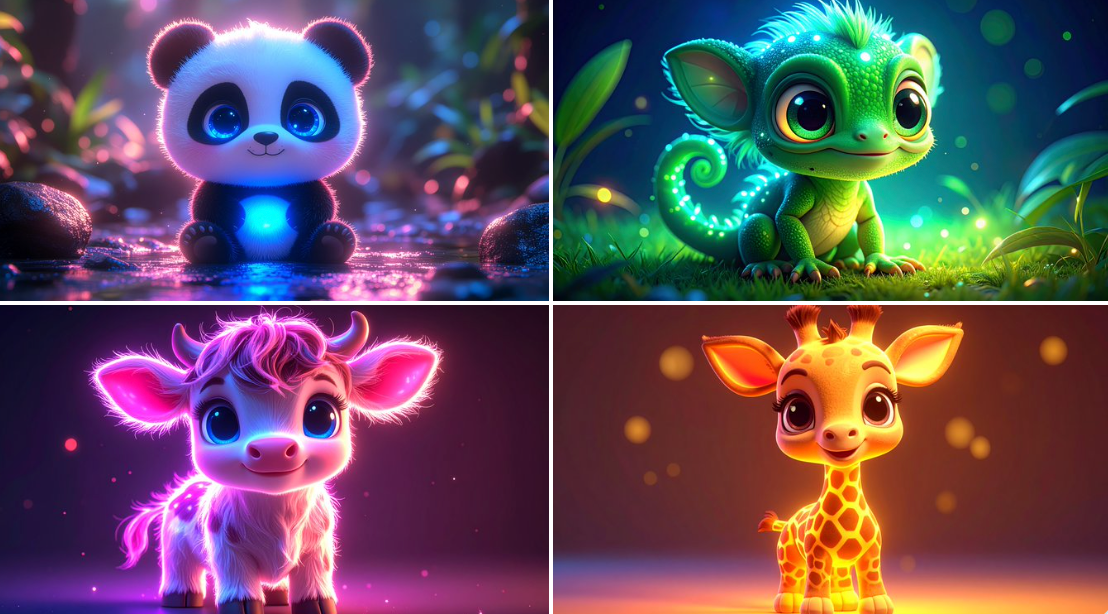
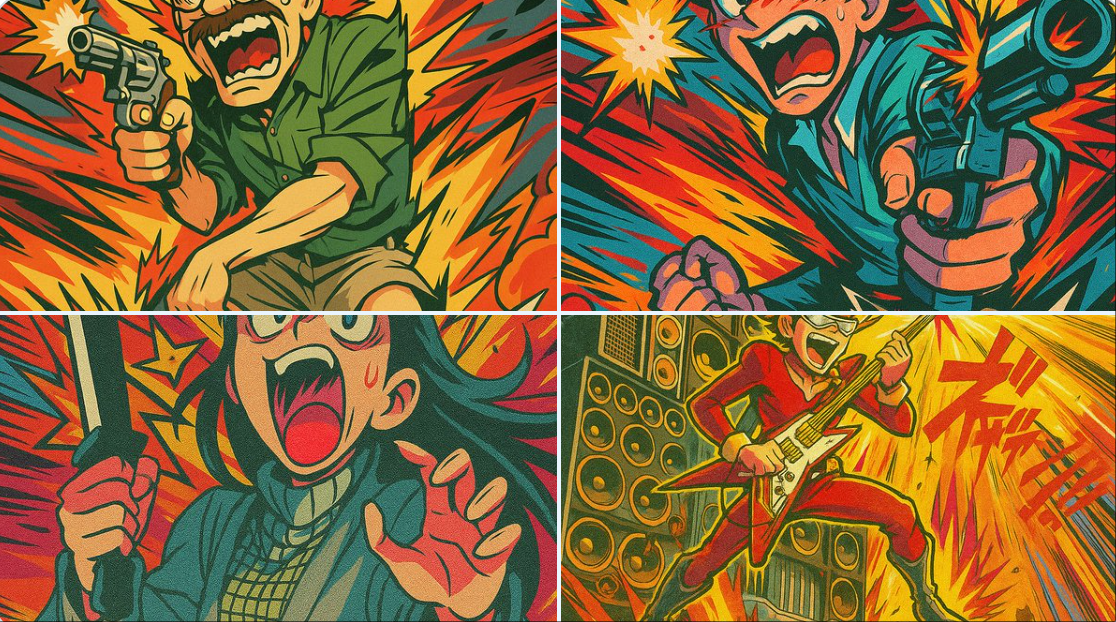
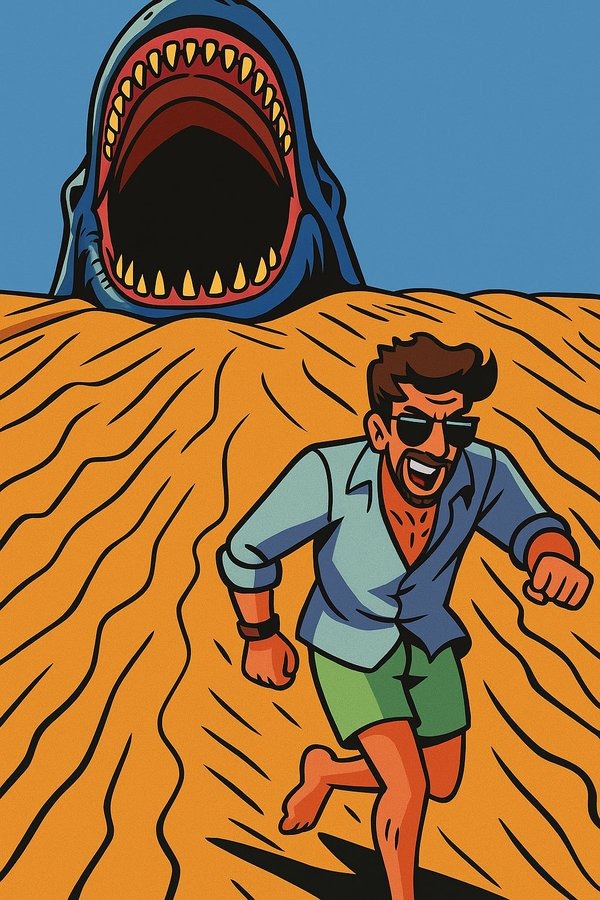
Transform image aesthetics with the Image Lark image editor — apply vintage looks, cinematic grading, or artistic effects. Change the mood from casual to professional in one prompt.

Portrait Enhancement
Retouch portraits naturally with the Image Lark image editor — smooth skin, enhance features, adjust lighting, or refine expressions. Professional headshot results effortlessly.
Who Uses the Image Lark Image Editor?
AI photo editing for every creative workflow

E-commerce & Product Photos
Clean up product shots, replace backgrounds, and create consistent catalog images with the Image Lark image editor. Boost conversion rates with professional-looking photos.

Social Media Creators
Create scroll-stopping content for Instagram, TikTok, and YouTube. The Image Lark image editor makes it easy to polish thumbnails, profile pics, and post visuals.

Marketing & Advertising
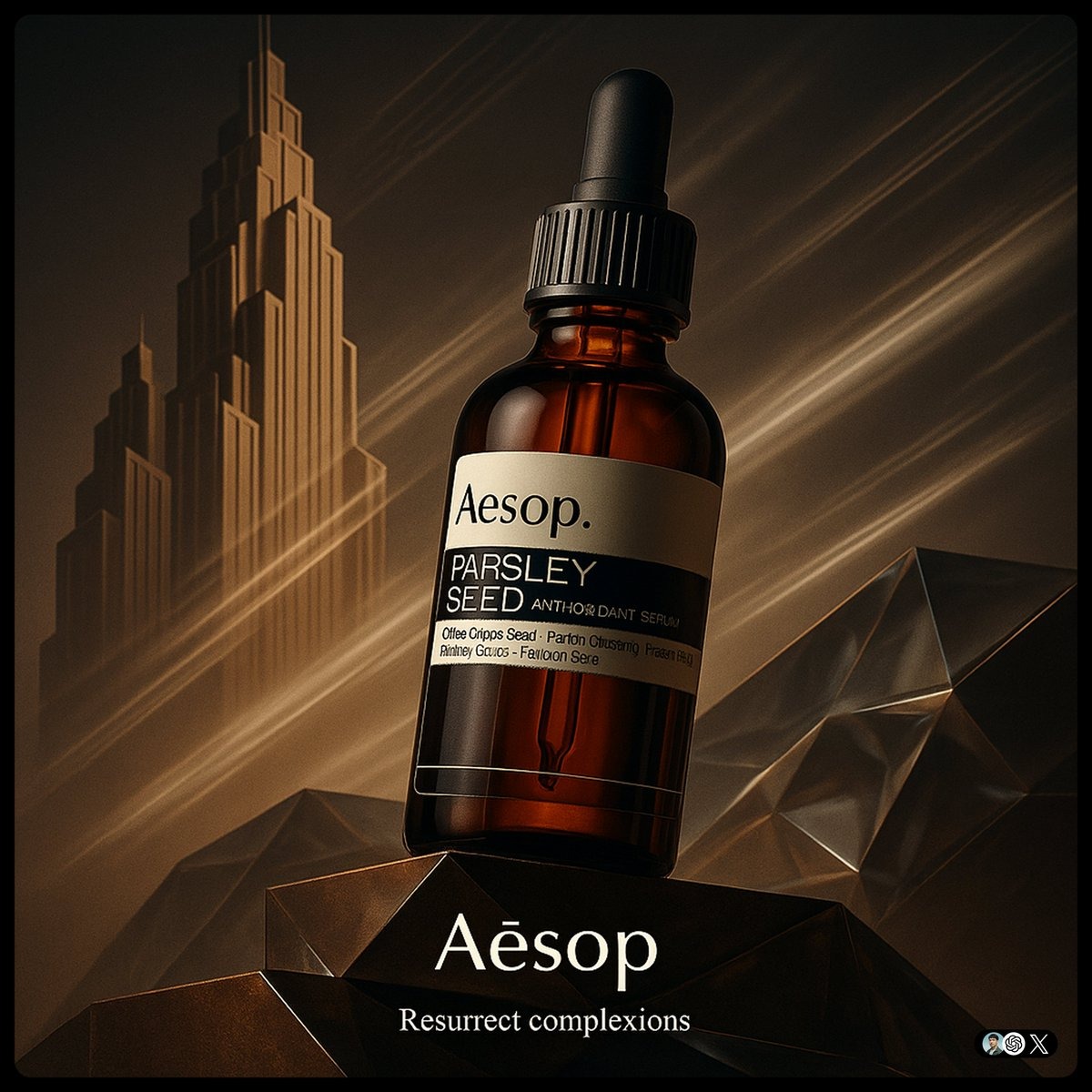
Produce campaign-ready visuals without a design team. Use the Image Lark image editor for ad creatives, banners, and promotional materials at scale.

Personal & Creative Projects
Restore old photos, create art from snapshots, or experiment with creative edits. The Image Lark image editor puts professional tools in everyone's hands.
Simple, Transparent Pricing
Affordable plans for AI photo editing at any scale
Start free with credits, then upgrade for higher resolution output and commercial use licenses.
Pricing.paymentMethods.title


Básico
Faturado $99.00/ano
Economize $19.80
A partir de $0.06 por imagem
- 1500 créditos/mês
- Geração de imagens HD
- Múltiplas proporções
- Geração prioritária
- Suporte por e-mail
- Image Generation: Até 150 (~5/dia) (Image Lark) ou Até 75 (~2/dia) (Image Lark) ou Até 75 (~2/dia) (GPT Image 2)
- Video Generation: Até 22 (Veo 3 Fast) ou Até 15 (Seedance 2.0)
Pro
Faturado $199.00/ano
Economize $39.80
Economize 33% por imagem
- 4500 créditos/mês
- Geração ultra HD 4K
- Acesso a todos os modelos
- Geração rápida
- Suporte prioritário
- Ferramentas avançadas de edição
- Image Generation: Até 450 (~15/dia) (Image Lark) ou Até 225 (~7/dia) (Image Lark) ou Até 225 (~7/dia) (GPT Image 2)
- Video Generation: Até 67 (Veo 3 Fast) ou Até 45 (Seedance 2.0)
Max
Faturado $399.00/ano
Economize $79.80
Economize 42% por imagem
- 10500 créditos/mês
- Tudo do Pro
- Gerações ilimitadas
- Acesso à API
- Suporte dedicado
- Acesso prioritário a novos recursos
- Opções de marca branca
- Image Generation: Até 1050 (~35/dia) (Image Lark) ou Até 525 (~17/dia) (Image Lark) ou Até 525 (~17/dia) (GPT Image 2)
- Video Generation: Até 156 (Veo 3 Fast) ou Até 105 (Seedance 2.0)
Frequently Asked Questions
Everything you need to know about the Image Lark image editor
Can I use edited images from the Image Lark image editor commercially?
Yes! Images edited with the Image Lark image editor on Pro and Studio plans include commercial use licenses. Use them for business, marketing, social media, or client projects without additional fees.
Can I share AI-edited photos on social media?
Absolutely. Share your edited images on Instagram, Facebook, Twitter, TikTok, and any platform. No watermarks or attribution required on paid plans — the images are yours to use freely.
What if I am not satisfied with the edit results?
Refine your prompt with more specific instructions and try again at no extra cost. The Image Lark image editor learns from context, so detailed descriptions like 'add warm sunset lighting' yield better results than vague requests.
What image formats does the Image Lark image editor support?
The Image Lark image editor works with JPG, PNG, WebP, and most common image formats. For best results, use high-resolution images (minimum 1024×1024 pixels). Both photos and digital art are supported.
How is the Image Lark image editor different from Photoshop?
Unlike traditional software that requires manual tools and skills, the Image Lark image editor uses AI to understand your text instructions and apply edits automatically. No layers, masks, or tutorials needed — just describe what you want.
How detailed should my edit instructions be?
The more specific, the better. Instead of 'make it better,' try 'remove the person in the background' or 'change the sky to a golden sunset.' You can also reference styles like 'cinematic color grading' for creative transformations.
Ready to Edit Photos with the Image Lark Image Editor?
Join thousands of creators using AI to transform their photos — no editing skills required