



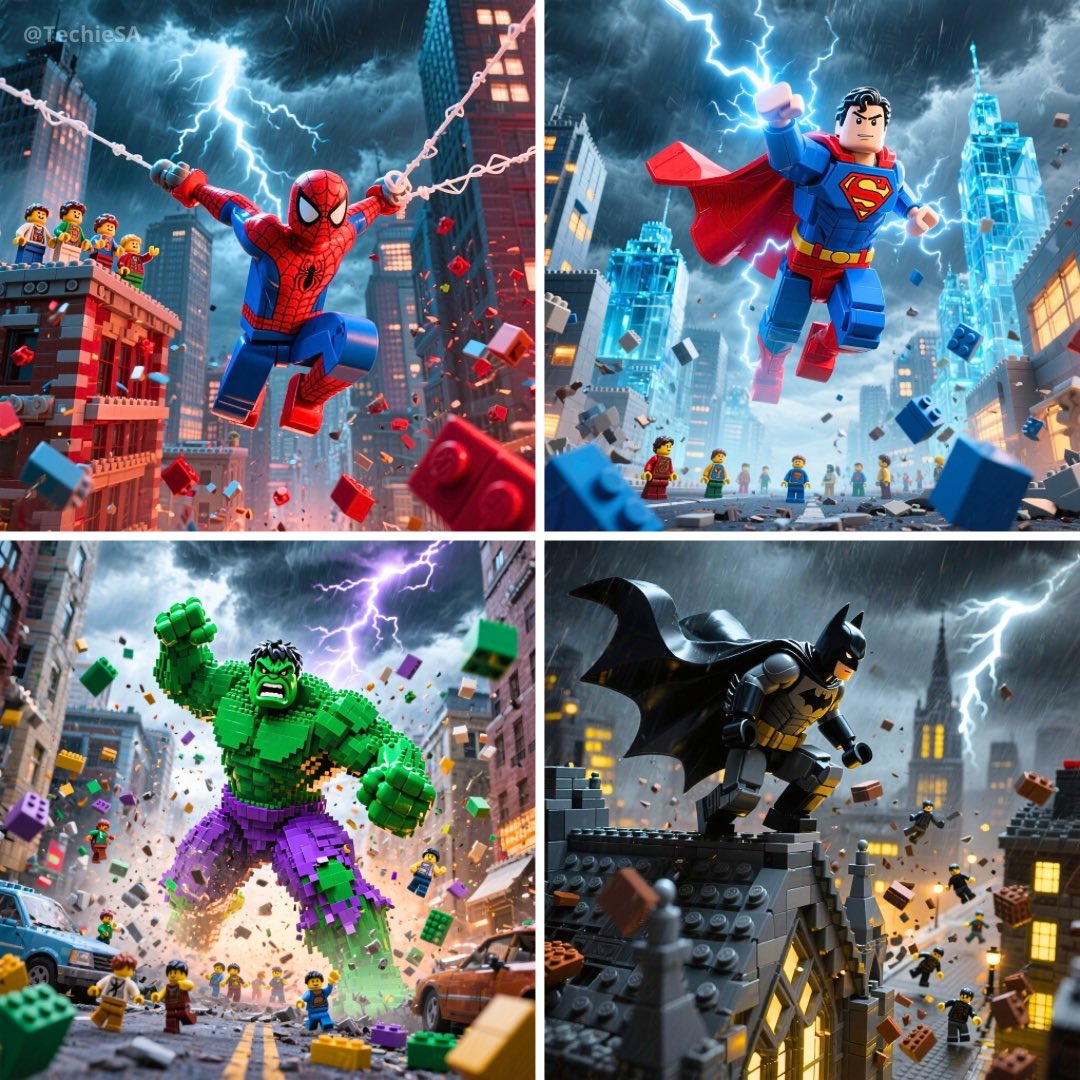
AI Image Enhancer – Enhance Photo Quality Online
Upload a photo and let AI fix blur, noise, and dull colors in seconds. Sharper, brighter, more detailed images — free to start.
What Is the AI Image Enhancer?
The AI image enhancer improves photo quality automatically: it sharpens blurry details, reduces noise, restores natural colors, and lifts overall clarity — all from a single upload. Instead of stacking manual adjustments in complex software, upload a photo, describe the improvement you want, and get a cleaner, brighter, more detailed version in seconds. From smartphone snapshots to old scanned prints, the image enhancer makes every photo look its best — no editing skills required.
How the AI Image Enhancer Works
From dull photo to crisp result in 3 simple steps
Upload Your Photo
Drop any JPG, PNG, or WebP image into the image enhancer — portraits, landscapes, product shots, or scanned old photos.
Describe the Enhancement
Tell the AI what to improve — sharpen details, brighten shadows, restore faded colors, remove noise — or let it enhance automatically.
Download & Share
Preview the enhanced photo and download it in high resolution. Refine your instructions and regenerate until it looks perfect.
Why Choose Our AI Image Enhancer
Better photo quality without the manual editing grind
Sharpens Blurry Details
The image enhancer recovers crisp edges and fine texture from soft, out-of-focus, or compressed photos.
Fixes Light & Color
Balance exposure, brighten shadows, and restore natural, true-to-life color in one instruction.
Context-Aware AI
The enhancer understands what's in your photo — it improves quality while preserving faces, skin tones, and composition.
Fast & Free to Try
Most enhancements complete in 10–15 seconds. Start free with 40 credits — no credit card required.
AI Image Enhancer Showcase
See what photo enhancement can do for everyday images

Sharpen Blurry Landscape Photos
Turn soft, hazy travel shots into crisp, detailed landscapes. The AI image enhancer recovers edge definition and texture that compression and camera shake destroy.

Portrait Enhancement
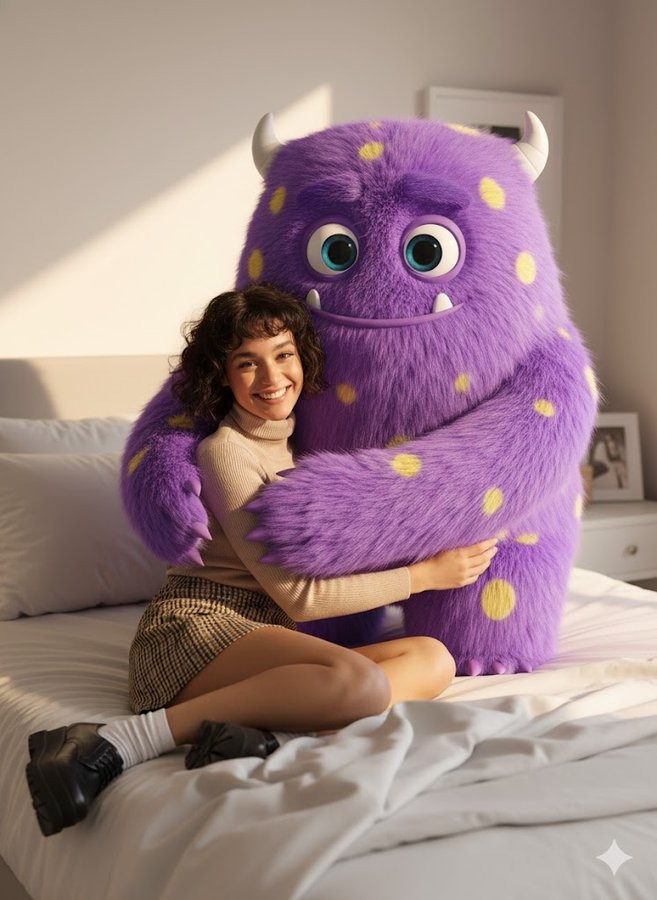
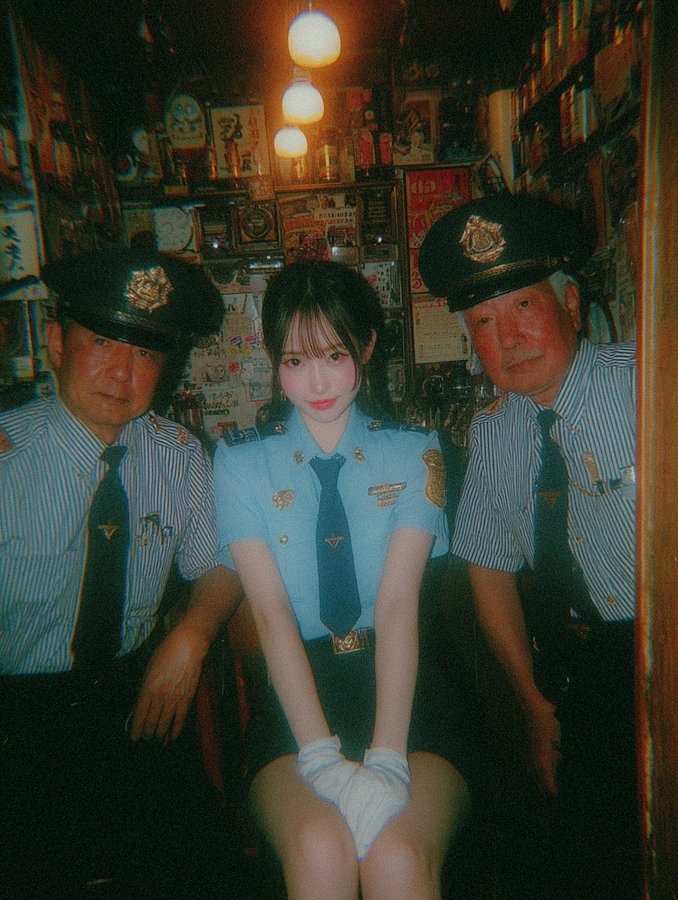
Improve portrait quality naturally — clearer facial details, balanced skin tones, and better lighting without the plastic over-processing look.

Product Photo Polish
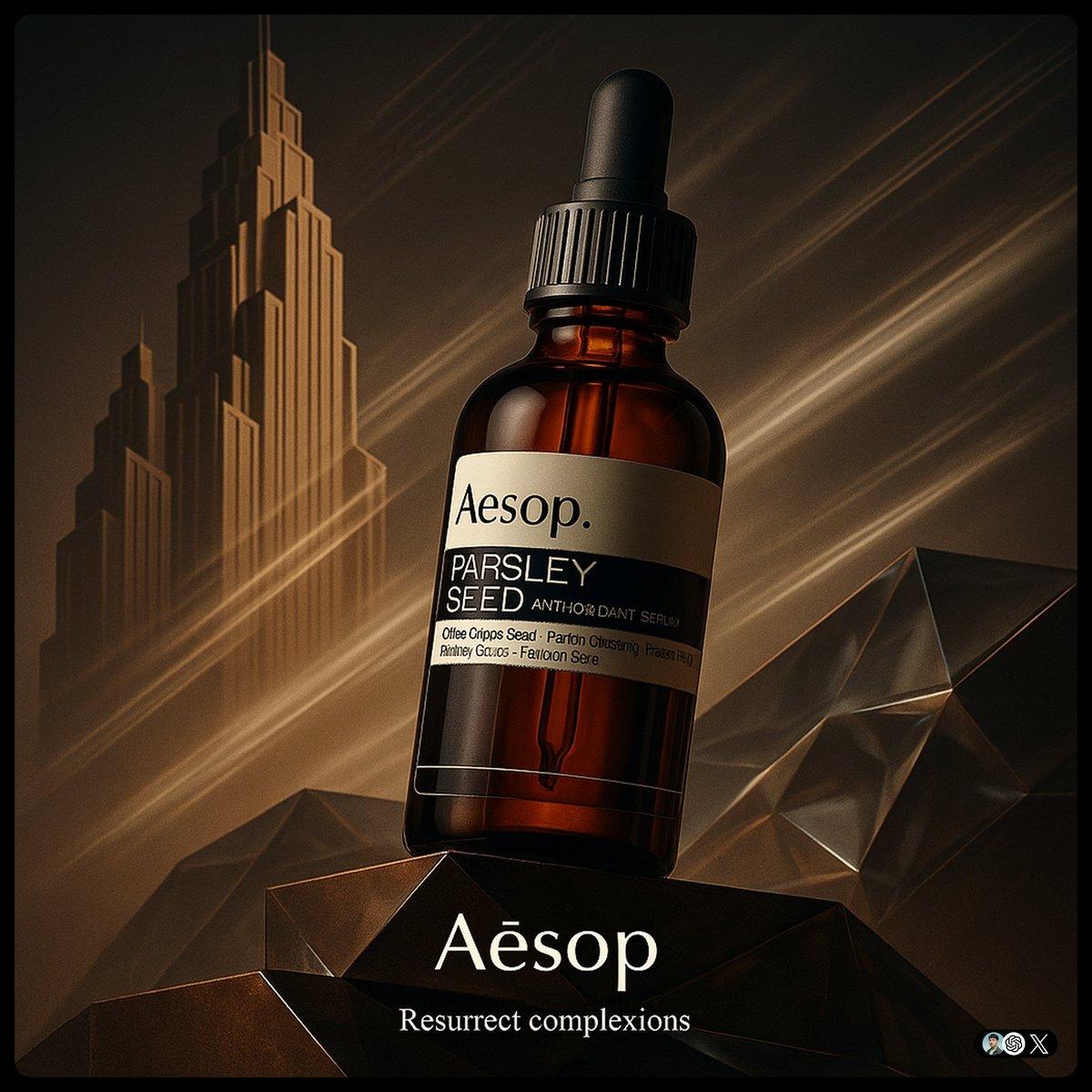
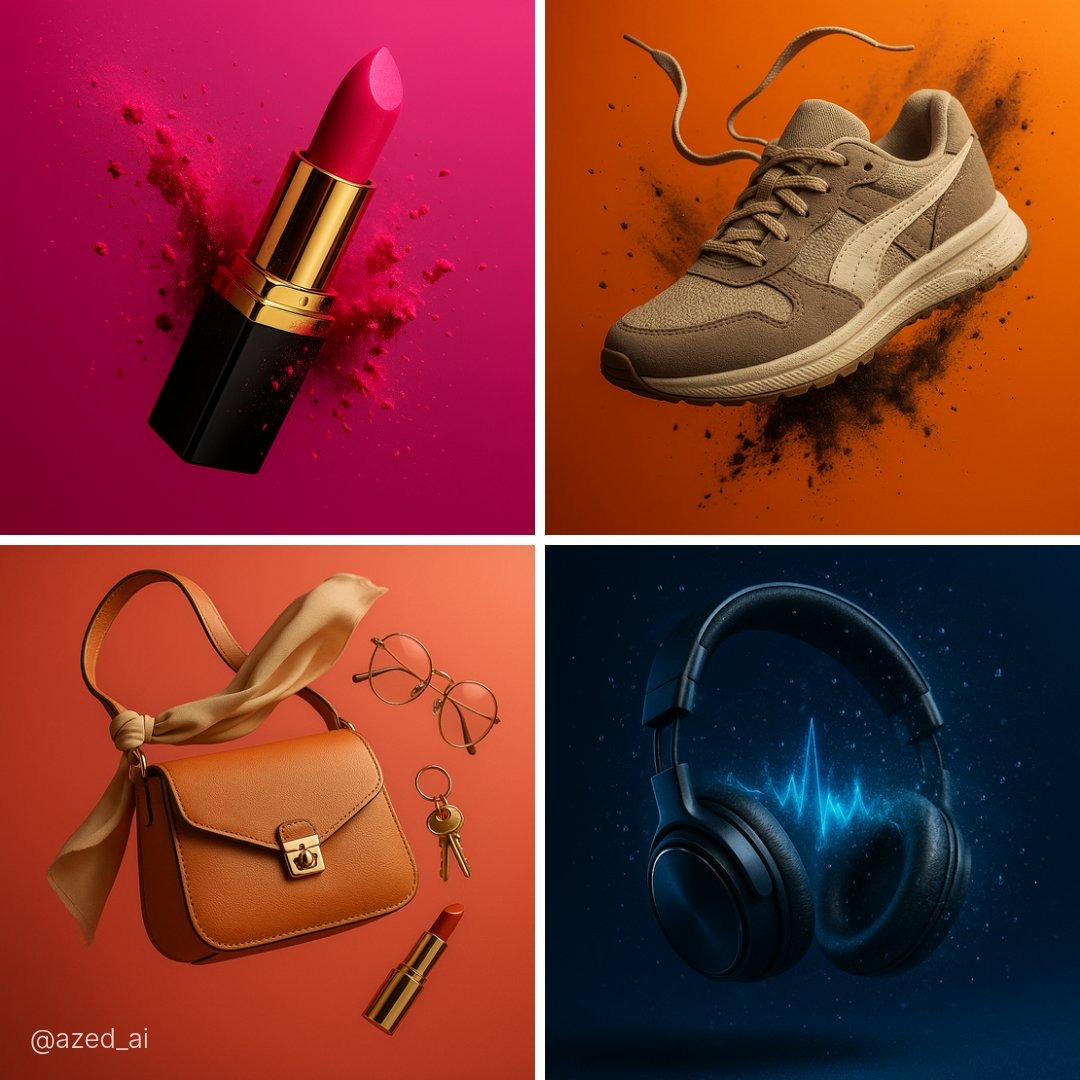
Make e-commerce product shots look catalog-ready: crisper details, cleaner lighting, and truer colors that build buyer trust and lift conversion.

Travel & Snapshot Clean-Up
Rescue photos taken in a hurry — fix noise in low light, brighten backlit scenes, and restore punchy color to everyday snapshots.
Who Uses the AI Image Enhancer?
Photo enhancement for every workflow

E-commerce Catalogs
Enhance entire product catalogs to consistent, catalog-ready quality. Sharp, well-lit photos increase buyer confidence and reduce returns.

Real Estate Listings
Brighten interiors, fix gloomy exposure, and make property photos look show-home ready — listings with quality photos sell faster.

Marketing & Advertising
Polish ad creatives and campaign visuals without a retoucher. Keep every brand asset sharp, bright, and consistent across channels.

Social Media Content
Upgrade phone snapshots into feed-worthy posts. Enhanced photos get more engagement on Instagram, TikTok, and Pinterest.
Simple, Transparent Pricing
Affordable plans for photo enhancement at any scale
Start free with credits, then upgrade for higher resolution output and commercial use licenses.
Pricing.paymentMethods.title


Базовый
Выставлен счет $99.00/год
Сэкономить $19.80
От $0.06 за изображение
- 1500 кредитов/месяц
- HD генерация изображений
- Множество соотношений сторон
- Приоритетная генерация
- Поддержка по электронной почте
- Image Generation: До 150 (~5/день) (Image Lark) или До 75 (~2/день) (Image Lark) или До 75 (~2/день) (GPT Image 2)
- Video Generation: До 22 (Veo 3 Fast) или До 15 (Seedance 2.0)
Про
Выставлен счет $199.00/год
Сэкономить $39.80
Экономия 33% за изображение
- 4500 кредитов/месяц
- Ультра HD 4K генерация
- Доступ ко всем моделям
- Быстрая генерация
- Приоритетная поддержка
- Расширенные инструменты редактирования
- Image Generation: До 450 (~15/день) (Image Lark) или До 225 (~7/день) (Image Lark) или До 225 (~7/день) (GPT Image 2)
- Video Generation: До 67 (Veo 3 Fast) или До 45 (Seedance 2.0)
Макс
Выставлен счет $399.00/год
Сэкономить $79.80
Экономия 42% за изображение
- 10500 кредитов/месяц
- Всё из Pro
- Безлимитные генерации
- Доступ к API
- Выделенная поддержка
- Приоритетный доступ к новым функциям
- Опции белой марки
- Image Generation: До 1050 (~35/день) (Image Lark) или До 525 (~17/день) (Image Lark) или До 525 (~17/день) (GPT Image 2)
- Video Generation: До 156 (Veo 3 Fast) или До 105 (Seedance 2.0)
Frequently Asked Questions
Everything you need to know about the AI image enhancer
What can the AI image enhancer fix?
The image enhancer improves overall photo quality: it sharpens blurry details, reduces noise and grain, brightens underexposed areas, restores faded color, and increases clarity. You can also describe specific fixes in plain English — for example 'brighten the shadows and make the colors warmer' — and the AI applies them while keeping the photo natural.
Is the AI image enhancer free to use?
Yes — every new account gets 40 free credits, and each enhancement costs only a small amount. No credit card is required to start. When you need more, paid plans offer higher volumes, higher resolution output, and commercial use licenses.
How is the image enhancer different from the AI upscaler?
The enhancer improves overall photo quality — sharpness, lighting, color, and clarity at the same resolution. The upscaler increases resolution, growing your image up to 4K with AI-processed detail. Many workflows use both: enhance the photo first, then upscale it for print or large displays.
Can I use enhanced photos commercially?
Yes! Photos enhanced on Pro and Studio plans include commercial use licenses. Use them for your online store, marketing campaigns, client work, or anywhere else — no attribution or extra fees required.
What image formats does the image enhancer support?
The image enhancer works with JPG, PNG, WebP, and most common formats. It handles smartphone photos, DSLR shots, scanned prints, and compressed web images. For best results, upload the highest-quality version of the photo you have.
Will enhancement change what's in my photo?
No. The enhancer improves quality — sharpness, exposure, color, clarity — without altering the content of your photo. Faces, composition, and objects stay exactly as they are. If you want to change content (remove objects, swap backgrounds), use the AI image editor instead.
Ready to Enhance Your Photos?
Join thousands of creators using AI to make every photo sharper, brighter, and more detailed — no editing skills required