
JPG to PNG Converter
Drop your JPG files and get lossless PNGs instantly — converted right in your browser with nothing uploaded. 100% free, no signup, no watermarks.
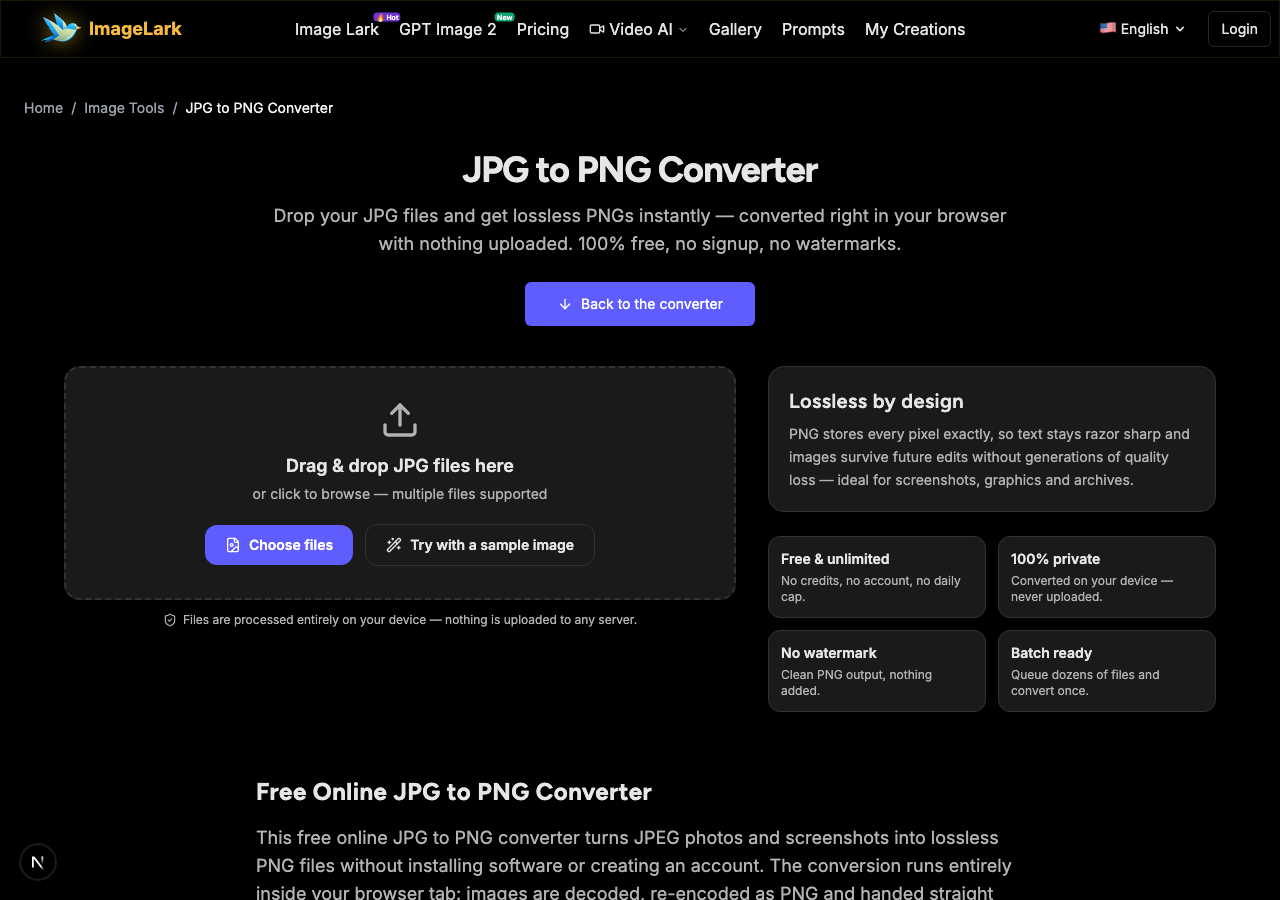
Drag & drop JPG files here
or click to browse — multiple files supported
Files are processed entirely on your device — nothing is uploaded to any server.
Lossless by design
PNG stores every pixel exactly, so text stays razor sharp and images survive future edits without generations of quality loss — ideal for screenshots, graphics and archives.
Free & unlimited
No credits, no account, no daily cap.
100% private
Converted on your device — never uploaded.
No watermark
Clean PNG output, nothing added.
Batch ready
Queue dozens of files and convert once.
Free Online JPG to PNG Converter
This free online JPG to PNG converter turns JPEG photos and screenshots into lossless PNG files without installing software or creating an account. The conversion runs entirely inside your browser tab: images are decoded, re-encoded as PNG and handed straight back as downloads — nothing touches a server, so there is no upload wait, no file size quota and no privacy trade-off.
People reach for JPG to PNG conversion when a file needs to survive editing: layering it into a design, annotating a screenshot, printing crisp text, or handing assets to a printer that wants lossless input. Converting to PNG stops the quality bleed that happens every time a JPEG is re-saved, and it prepares images for tools that prefer or require the PNG format. Drop a whole folder in — the batch queue converts everything in one pass.
How to Convert JPG to PNG in 3 Steps
STEP 1
Add your JPG files
Drag and drop one or more .jpg (or .jpeg) files onto the tool above, or click the upload area to browse. You can also press “Try with a sample image” to watch the converter work without your own file.
STEP 2
Convert to PNG
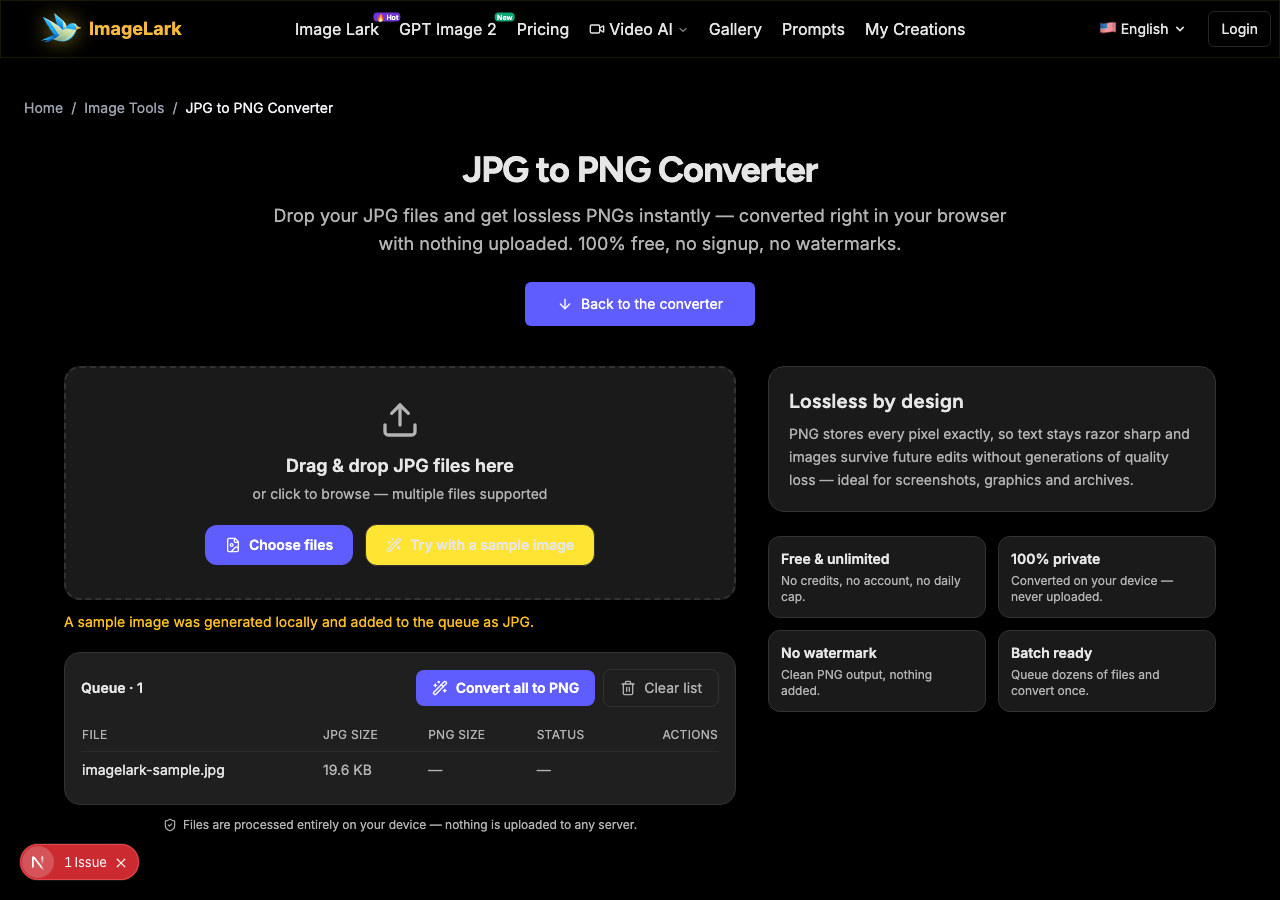
Press “Convert all to PNG”. Each image is decoded and re-encoded locally through the Canvas API — nothing is uploaded, so even large photos finish in under a second and the queue shows each file flip from JPG size to PNG size.
STEP 3
Download your PNGs
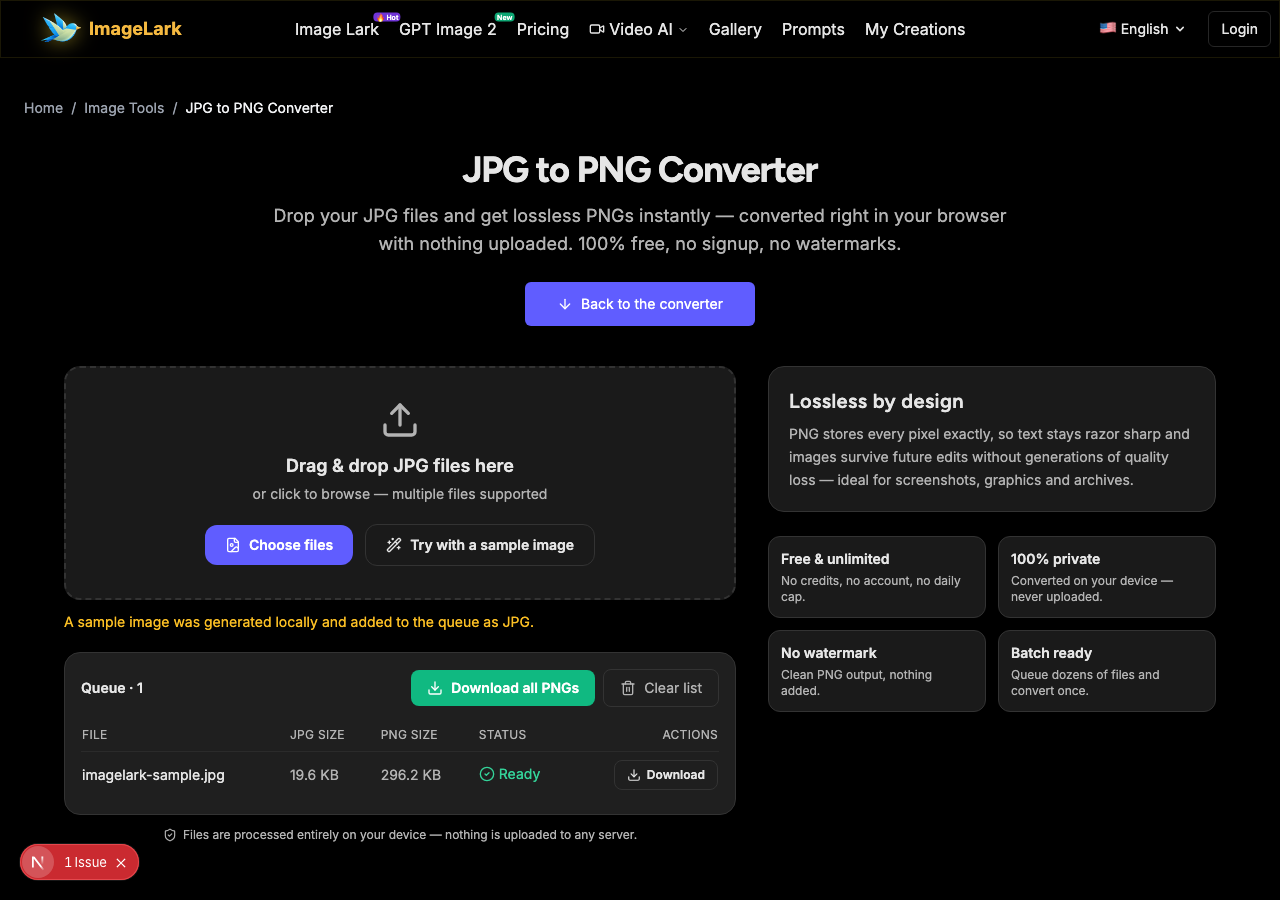
Save each PNG individually, or grab the whole batch with “Download all PNGs”. The encoding is lossless, so the PNG you downloaded is pixel-for-pixel the image you saw.
Why Use ImageLark to Convert JPG to PNG
Free with no conversion limits
Convert one scan or a five-hundred-file archive — no credits, no account, no daily ceiling. It is a browser utility, not a trial, and the output never carries a watermark.
Your images never leave your device
Everything happens inside the browser tab with the Canvas API. Nothing is uploaded, stored or logged — which also makes it fast, because there is no round-trip to a server for each file.
Lossless output, sharp forever
PNG is a lossless format: converting stops further quality decay and gives you a master copy that survives future edits, annotation rounds and re-exports without degrading.
Batch conversion built in
Queue an entire folder of JPGs, press one button and download the PNGs together. Every row lists the before-and-after file size so you always know what changed.
JPG vs PNG: When Should You Convert?
JPG and PNG are built for different jobs. JPG compresses photographs aggressively by discarding detail the eye barely notices — that is why camera photos are small. PNG stores every pixel losslessly with full transparency support, which makes it the format of choice for screenshots, logos, line art and anything that will be edited again.
Convert JPG to PNG when the image is heading into an editor or design tool, when it contains text or sharp edges that must stay crisp, when a printer or client asks for lossless files, or when you want a clean master copy that will not degrade through future saves. Keep it as JPG when the photo is simply being stored or shared — PNG will make photographic files several times larger with no visible gain.
One honest expectation: converting to PNG cannot restore detail that JPG compression already threw away. What it does is freeze the image exactly as it is, so no further quality is lost from here on. If your real problem is a photo that looks soft, the AI photo enhancer can sharpen it first — and if your source is a WebP, the WebP to PNG converter handles that format too.
Going the other way? The PNG to JPG converter shrinks large PNGs for email and forms, the AI photo enhancer lifts soft photos before you convert, and the AI image upscaler fixes low resolution.
Use Cases: Who Converts JPG to PNG
Designers & editors
Drop JPG photos into design files as lossless PNG layers so repeated edits, crops and re-exports never degrade the source — and transparency-ready PNGs slot straight into compositions.
Screenshot & document work
Converting camera or phone JPGs of documents, whiteboards and receipts to PNG keeps small text sharp through annotation, OCR and PDF rounds.
Print & client delivery
Print shops and many clients ask for lossless files. Deliver PNG masters converted locally — sensitive photos never leave your machine during the conversion.
Frequently Asked Questions
Does converting JPG to PNG improve quality?
No — and be skeptical of converters that claim otherwise. Converting freezes the image exactly as it is: no new detail is created, but no further loss happens either. PNG's benefit is preservation: sharp text stays sharp and future edits do not degrade the file the way repeated JPEG saves would.
Why is my PNG file bigger than the JPG?
JPG discards hard-to-see detail to shrink photos; PNG stores every pixel explicitly. Photographic images grow substantially in PNG — often several times larger. That is the trade-off for lossless quality, transparency support and edit-safety. For pure photo sharing, staying with JPG is usually smarter.
How do I convert JPG to PNG on Mac or Windows?
The same way on both: open this page in any modern browser, drop your .jpg files into the tool and download the PNGs. Nothing to install on Mac, Windows, Linux, Android or iOS — and because conversion is local, it even works offline once the page has loaded.
Can I convert multiple JPG files at once?
Yes. Drag a whole selection into the drop zone, press “Convert all to PNG” once, and each row shows its finished PNG with its size. “Download all PNGs” saves the entire batch in one go.
Will the PNG keep the same resolution?
Yes — pixel dimensions never change. The converter re-encodes the same image data into the PNG container at the original width and height, so nothing is cropped, scaled or re-compressed beyond the lossless format change.
Is the JPG to PNG converter free to use?
Completely free with no signup, no watermark and no conversion limit. Your files never leave your device, which makes the tool safe for confidential documents, client photos and personal archives.
أدوات الصور بالذكاء الاصطناعي ذات الصلة
Ready to Convert Your JPG Files?
Drop them above and download lossless PNGs in seconds — free, private and watermark-free.