
PNG to JPG Converter
Drop your PNG files, pick a quality level and download lighter JPGs in seconds — converted right in your browser, with nothing uploaded.
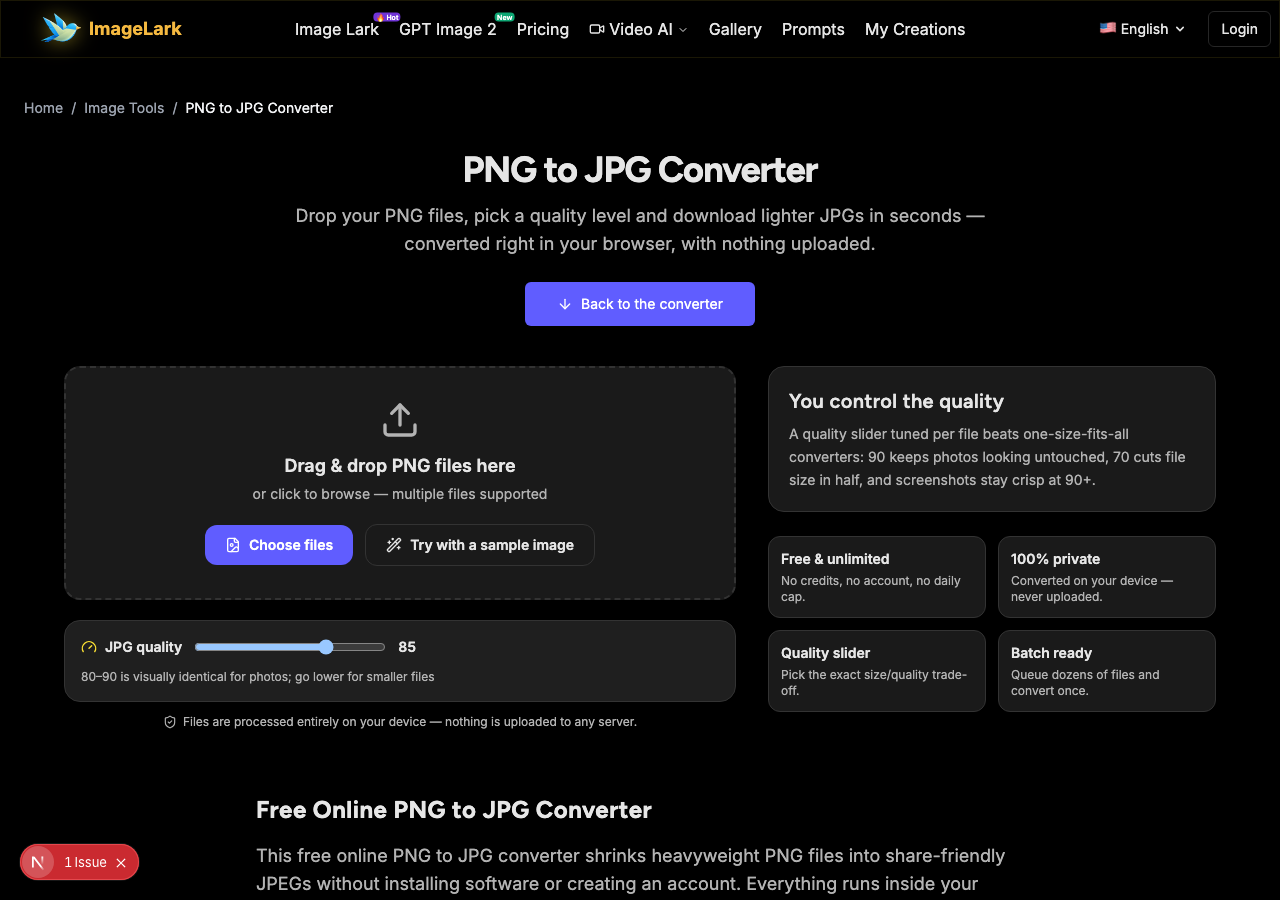
Drag & drop PNG files here
or click to browse — multiple files supported
Files are processed entirely on your device — nothing is uploaded to any server.
You control the quality
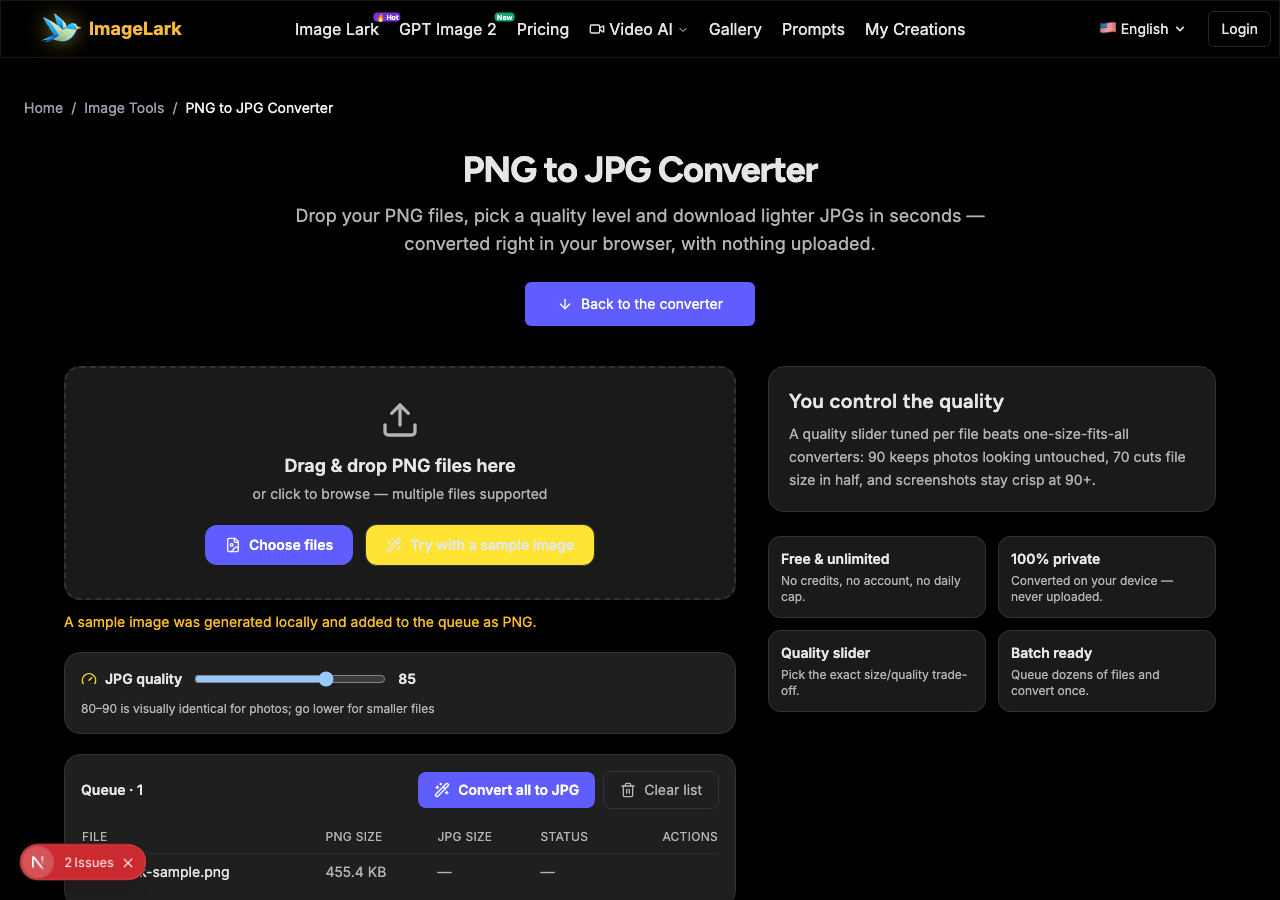
A quality slider tuned per file beats one-size-fits-all converters: 90 keeps photos looking untouched, 70 cuts file size in half, and screenshots stay crisp at 90+.
Free & unlimited
No credits, no account, no daily cap.
100% private
Converted on your device — never uploaded.
Quality slider
Pick the exact size/quality trade-off.
Batch ready
Queue dozens of files and convert once.
Free Online PNG to JPG Converter
This free online PNG to JPG converter shrinks heavyweight PNG files into share-friendly JPEGs without installing software or creating an account. Everything runs inside your browser tab: your images are decoded, re-encoded with the quality level you choose, and returned as downloadable JPGs — nothing is uploaded, so there is no wait, no file-size quota and no privacy trade-off.
The typical trigger is a limit: an email that refuses a 6 MB PNG screenshot, a form that only accepts .jpg, a forum that caps uploads, or a phone storage warning with hundreds of PNG photos in it. Drop the files, set one quality level for the whole batch, and download the results together — screenshots, photos and graphics all handled in a single pass.
How to Convert PNG to JPG in 3 Steps
STEP 1
Add your PNG files
Drag and drop one or more .png files onto the tool above, or click the upload area to browse. You can convert a single screenshot or a whole folder at once — or press “Try with a sample image” to see the flow without your own file.
STEP 2
Pick a quality level
Use the JPG quality slider to choose the trade-off. Around 90 keeps photos visually identical to the original; 70 roughly halves the file size; screenshots and text-heavy images stay crisp at 90 or above. The same setting applies to the entire batch.
STEP 3
Convert and download
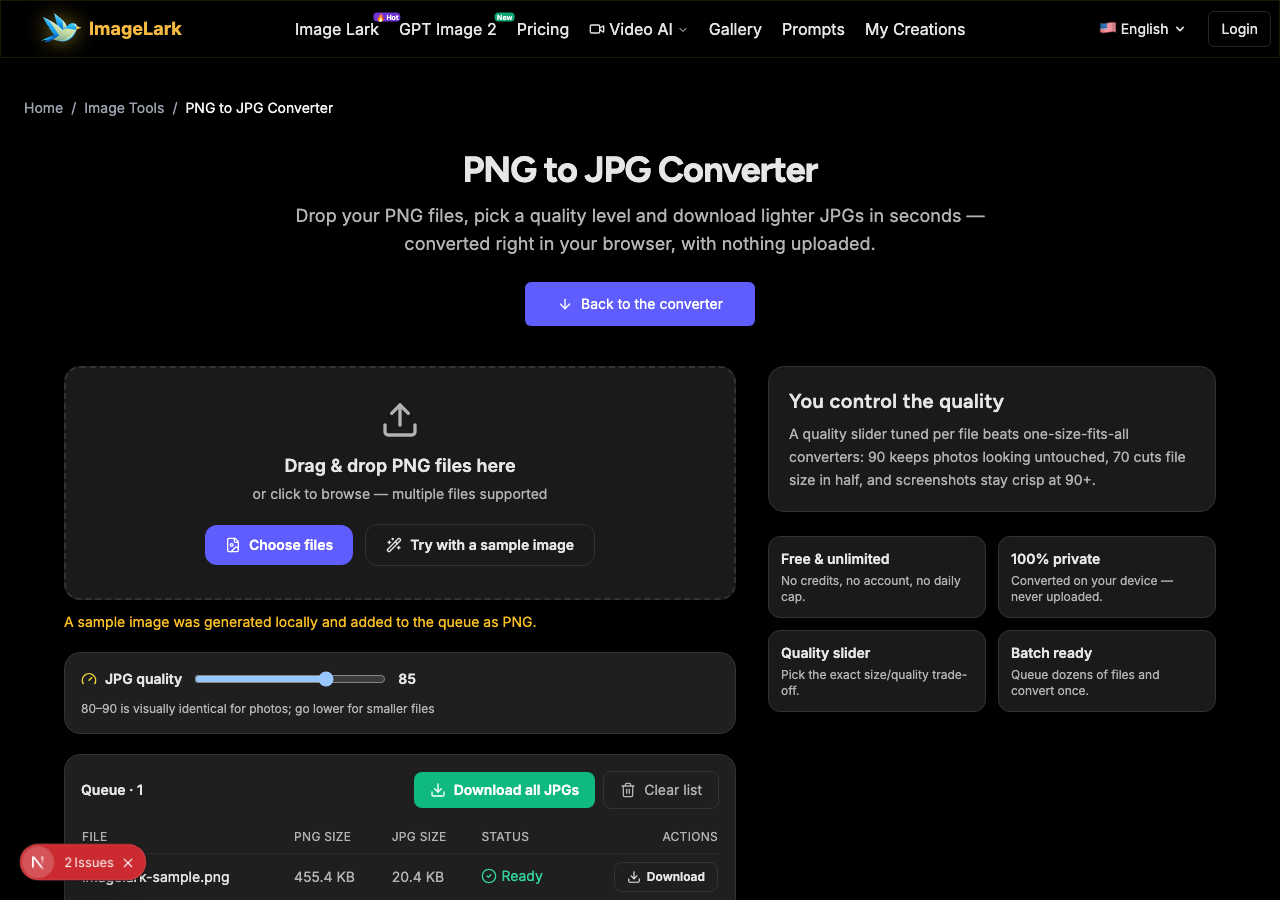
Press “Convert all to JPG” and each row shows the original PNG size next to the new JPG size. Save files one by one, or take the whole batch with “Download all JPGs”.
Why Use ImageLark to Convert PNG to JPG
Free, with no conversions cap
Convert one image or five hundred — there are no credits, no account and no “3 per day” limit. It is a browser utility, not a trial, and the output never carries a watermark.
Your files never leave your device
Unlike upload-based converters, this tool decodes and re-encodes your images inside the browser tab with the Canvas API. Nothing is transmitted or stored, which also makes it fast — no round-trip to a server, even for large PNGs.
Transparent areas become clean white
JPG cannot store transparency, so the converter fills transparent backgrounds with solid white instead of surprising you with black boxes. If you need to keep the alpha channel, that is the one case where you should stay with PNG.
A real quality slider
Many converters fix quality at an arbitrary level. Here you choose it: 90 for visually identical photos, 70 for half the size, 95+ for screenshots full of text. One setting applies to the whole batch, and every row shows the size you saved.
PNG vs JPG: Which Format Should You Pick?
PNG and JPG solve different problems. PNG is lossless: every pixel is stored exactly, transparency is supported, and text or sharp edges stay perfect through repeated edits — the cost is large files, especially for photographs. JPG is lossy but efficient: photos look essentially identical at quality 80–90 while the file shrinks dramatically, which is why cameras, email and the web default to it.
Stay with PNG when the image has transparency you need, when it is a screenshot or UI capture full of sharp text, when it is a logo or line art, or when you plan to keep editing it across tools. Convert PNG to JPG when the image is a photograph heading somewhere with limits: email attachments, upload forms, messaging apps, or a photo library that is eating storage.
The honest numbers: a phone photo saved as PNG can easily weigh 8–12 MB, while the same frame at JPG quality 85 lands near 1–2 MB with no visible difference on a phone screen. And if your source is a WebP instead, the WebP to PNG converter on this site handles that step first — or, going the other direction, the JPG to PNG converter makes lossless copies when you need them.
Need the opposite direction or another format? The JPG to PNG converter and the WebP to PNG converter are live now, an AI image upscaler handles small images, and the AI photo enhancer cleans up quality before you convert.
Use Cases: Who Converts PNG to JPG
Email & messaging
Email providers cap attachments and chats compress images anyway. Convert oversized PNG screenshots to JPG before sending and the message goes through on the first try.
Forms & portals
Government forms, school portals, job applications and contest sites frequently accept only .jpg uploads. Convert your PNG scans and photos locally — sensitive documents never leave your device.
Phone storage cleanup
Apps that export PNG by default can quietly fill storage with huge images. Batch-convert photo-like PNGs to JPG at quality 85 and reclaim gigabytes without visible quality loss.
Frequently Asked Questions
Does converting PNG to JPG lose quality?
JPG is a lossy format, so some information is discarded — but at quality 85–90 the difference is visually undetectable for photographs. The real risk is screenshots and text: sharp edges can show slight ringing, so use quality 90 or higher for those. You choose the level with the slider before converting.
Why did my transparent background turn white?
JPG has no alpha channel, so transparency cannot survive the conversion — the empty areas must become a solid color. This converter fills them with white, the standard choice for photos and documents. If keeping transparency matters, keep the file as PNG instead.
PNG vs JPG: which is better for photos?
For sharing and storage, JPG wins for photographs: at quality 85 it is many times smaller than PNG with no visible difference. PNG is the better keeper format when you need transparency, pixel-perfect text, or a master copy for future editing. Many people keep PNG originals in archives and convert to JPG for sending.
How do I convert PNG to JPG on iPhone or Android?
Open this page in the mobile browser, tap the upload area and pick images from your library — the steps are identical to desktop. Everything runs on the device, so it works the same on iOS and Android with no app to install.
What JPG quality should I choose?
Use 90 for screenshots, text-heavy images and photos you will re-edit; 80–85 for general photo sharing, which is where the biggest size savings with no visible loss live; 65–70 when you just need to squeeze under a strict upload limit. Check the size column in the queue and adjust if needed.
Is the PNG to JPG converter free to use?
Completely free with no signup, no watermark and no daily limit. The conversion runs in your browser, so it also works offline once the page has loaded, and your images are never uploaded anywhere.
أدوات الصور بالذكاء الاصطناعي ذات الصلة
Ready to Convert Your PNG Files?
Drop them above, pick a quality level and download lighter JPGs in seconds — free, private, watermark-free.