
Unblur Image Online
Drop a blurry photo, describe the fix and let AI reconstruct the detail — out-of-focus shots, camera shake and soft captures, restored in seconds. Free credits to try.
Ustawienia modelu
Twój Czysty Obraz Pojawi Się Tutaj
Prześlij obraz z niechcianymi obiektami, aby zobaczyć magię!
Powered by the same AI editing engine as our Object Remover — sign in with free credits and describe the unblur you need.
Rescue-grade AI unblurring
Free credits to start
Test real restorations before paying.
AI detail reconstruction
Rebuilds edges, text and faces.
No watermark
Clean HD downloads.
Private by design
Uploads auto-deleted on a schedule.
Honest expectations
AI unblur reconstructs plausible detail, not the original pixels: restored faces look right but are partly invented, and restored text should be proofread. Rescue works best when some structure survives — if you can still tell what the photo shows, the AI usually can too. Severely destroyed images (heavy smear, tiny thumbnails) may stay partly soft.
Free Online AI Image Unblurring
AI unblurring is rescue work for photos that a camera ruined: missed focus, shaky hands, moving subjects, or a phone that processed the shot into mush. Unlike sharpening — which only boosts contrast on edges that already exist — AI unblur reconstructs the detail itself: the model understands what a face, a sign or a leaf should look like and rebuilds plausible, sharp content from the blurred evidence.
On this page you direct the rescue in plain language: upload the blurry image and describe it — “restore the text on this sign”, “sharpen the face, remove motion blur”, “make this screenshot readable”. The AI re-renders the photo with reconstructed detail and returns an HD, watermark-free result. Free credits cover your first attempts, and uploads are auto-deleted on a fixed schedule — blurry family photos stay as private as they should be.
How to Unblur an Image in 3 Steps
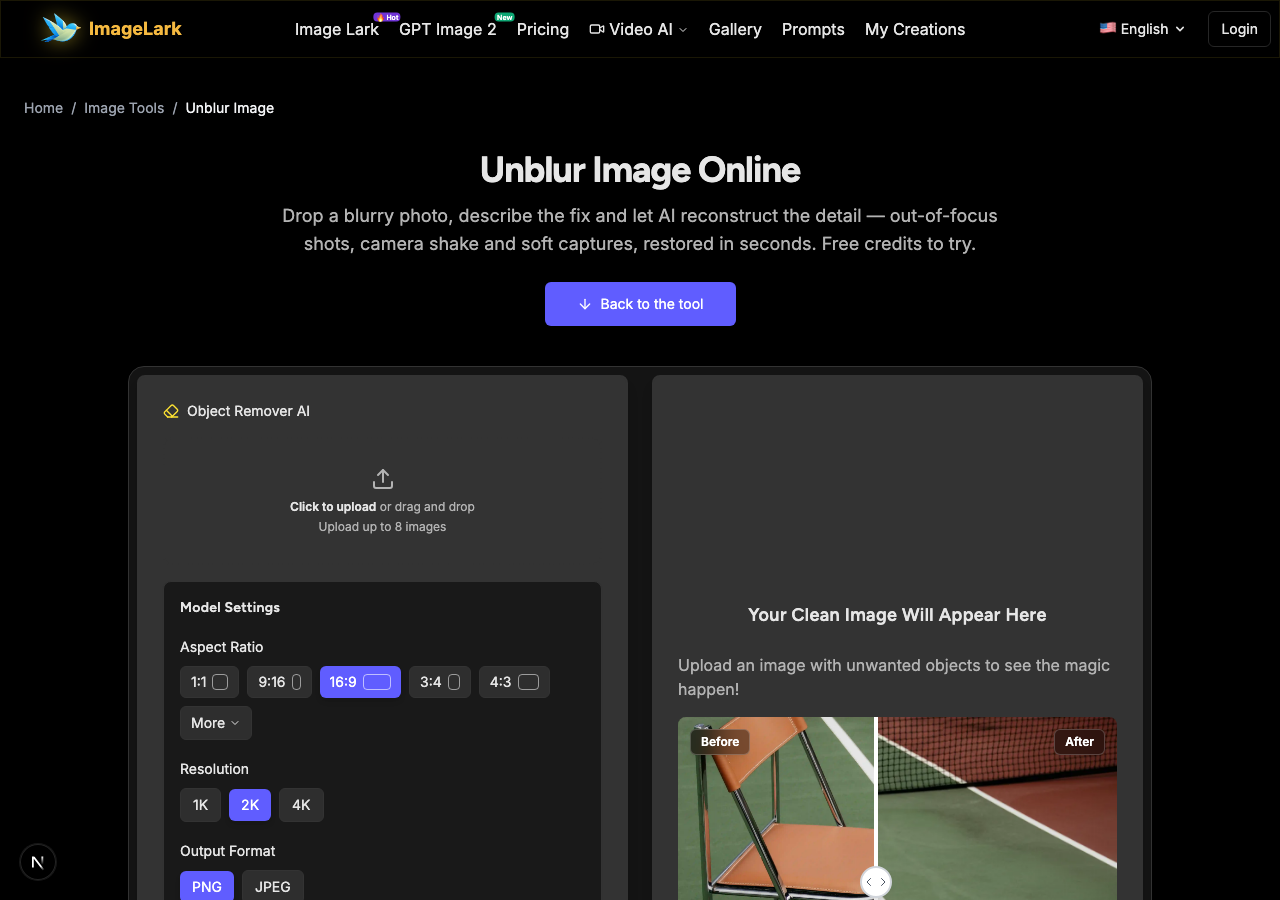
STEP 1
Upload the blurry photo
Drop a JPG, PNG or WebP file into the tool above, or click to browse. Sign in with free credits — no software to install, desktop and mobile both work.

STEP 2
Describe the fix
Tell the AI what went wrong and what to restore — “fix the out-of-focus face, keep natural texture”, “remove camera shake, restore the text”. Specific descriptions get targeted results.

STEP 3
Review and download
The AI returns the restored image in seconds. Compare with the original, re-run with adjusted wording if needed, and download the HD result — watermark-free.
Why Use ImageLark to Unblur Images
Reconstruction, not contrast tricks
The model rebuilds missing detail — facial features, letterforms, textures — instead of just increasing edge contrast, which is what makes genuinely blurred photos recoverable.
Describe the problem precisely
Out-of-focus, motion blur, or over-soft processing each respond to different wording. Writing “motion blur left to right” gets a different result than “missed focus on the eyes” — you control the rescue.
Free credits, HD output
Judge the restoration on your own photos with free credits first, then download watermark-free HD results — rescue economics at a fraction of retoucher cost.
Private by design
Blurry photos often contain faces, documents and private moments. Uploads are processed for the restoration and auto-deleted on a schedule — nothing is kept or used.
Unblur vs Sharpen vs Upscale: The Clarity Trio
Three tools claim to make photos clearer, and choosing wrong wastes your credits. Unblurring (this page) is AI reconstruction for photos whose detail was destroyed — missed focus, camera shake, heavy processing. Sharpening is local contrast work for photos that are merely soft: detail exists, edges just need snap. Upscaling is enlargement: inventing resolution for images too small for their destination.
The symptom test is quick. If faces or text are recognizable but soft, start with the sharpen tool — it is instant, free and local. If detail is genuinely smeared into mush — the eyes have no definition, text is unreadable — sharpening amplifies the damage and AI unblurring is the only real rescue. If the photo is small but sharp, upscaling beats both: enlargement first, then a light sharpen to finish.
Expectations, honestly stated: AI unblur reconstructs plausible detail, not ground truth — restored faces look right but are partly invented, and restored text should be proofread before relied upon. Severely destroyed images (heavy motion smear, tiny thumbnails blown up 10×) may stay partly soft. Rescue works best when some structure survives: if you can still tell what the photo is, the AI usually can too.AI upscaler
Same family: the sharpen tool for soft-but-intact photos, this page for genuine blur, and the AI upscaler for small-but-sharp images.
Use Cases: Who Unblurs Photos
Once-in-a-lifetime shots
The concert, the wedding speech, the wildlife moment — focus missed but the moment is unrepeatable. AI reconstruction is the second chance the camera did not give you.
Evidence & documentation
Signs, labels, license details and whiteboard photos that came out soft — restore enough detail to make the content readable again (and proofread restored text).
Old phone & archive photos
Early phone cameras and heavily compressed archives left many memories soft. AI unblurring recovers usable sharpness from photos that sharpening alone cannot fix.
Frequently Asked Questions
Can AI really unblur a photo?
Yes — for most real-world blur. AI models reconstruct plausible sharp detail from blurred input: faces gain definition, text becomes readable, textures return. The result is a reconstruction rather than the original scene, but for sharing, printing and identification it is usually more than good enough.
How do I fix a blurry picture on my phone?
Open this page in your mobile browser, upload the blurry photo from your library, describe what to restore and download the result. The workflow is identical to desktop, runs on the device-adjacent cloud in seconds, and requires no app.
Can unblurring restore 100% clarity?
No — and be wary of tools claiming otherwise. AI unblurring reconstructs plausible detail from blurred evidence; it cannot recover the exact original pixels. Mild blur gets very close to full clarity; heavy smear gets a usable but partly invented result.
What causes motion blur in photos?
Camera shake (slow shutter in dim light), moving subjects, or both. The blur direction and severity matter for AI restoration — describing them (“horizontal shake, night shot”) helps the model target the fix.
What's the difference between unblur and sharpen?
Sharpening boosts contrast on edges that already exist — right for photos that are merely soft. Unblurring reconstructs detail that blur destroyed — right for missed focus and camera shake. Sharpening a truly blurred photo amplifies the mush; that is when AI unblurring is the right tool.
Is the unblur tool free to use?
New accounts get free credits covering several restorations, and every download is HD without watermarks. After the free credits, unblurring costs a small credit amount per image — sign in to see your balance.
Powiązane narzędzia AI do obrazów
Ready to Unblur Your Photo?
Drop it above, describe the fix and download the restored image in seconds — free credits to try.